App Screenshots
Key mapping tool for hardware adapters
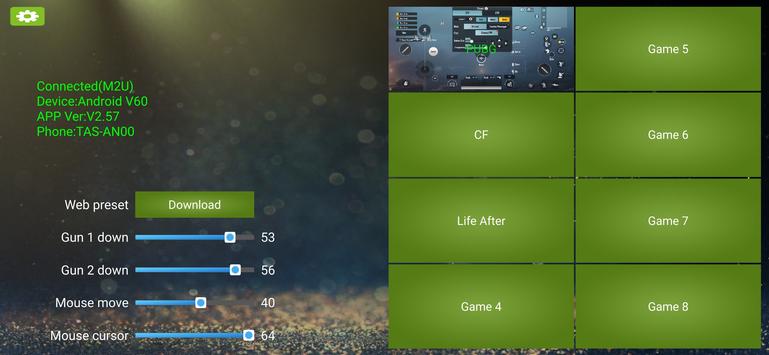
Configuring physical hardware controls for mobile titles often requires constant back-and-forth between menus, but KuGamer simplifies input mapping by handling touch conversions for peripherals and hardware adapters like the M1 Pro Converter. Instead of interrupting a match to fix unbound inputs, the app places an editing interface directly over the active game, allowing on-the-fly key assignments and mouse adjustments. Built-in setups are included for specific shooter titles, alongside manual mapping tools and mouse performance modes for customized control schemes.
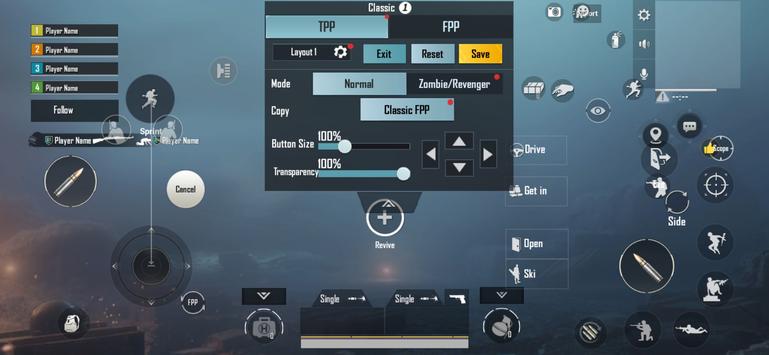
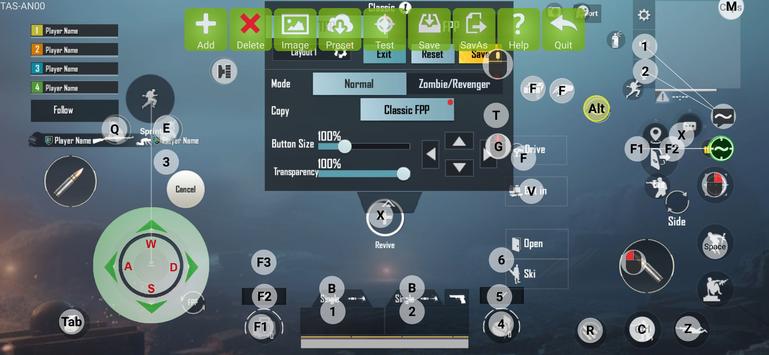
A core feature of the tool is its floating window, which overlays touch targets and key icons directly on top of active gameplay. Opening this interface during a live match lets users assign inputs—such as mapping fire or crouch commands—without leaving the app or hiding the game screen. When building a layout, the fixed camera movement and 360-degree direction zone must remain on the right side of the interface, requiring all other custom touch buttons to be arranged around it to prevent overlapping inputs. Users also need to hide the on-screen mouse pointer before adding new action nodes to ensure mapping remains responsive.
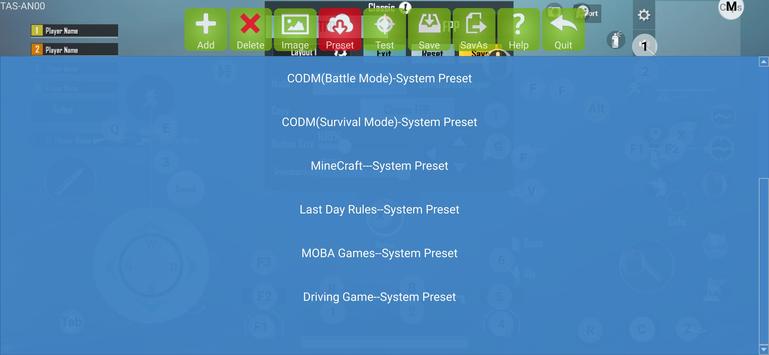
Adding supported titles like BGMI or PUBG through the overlay automatically loads default key profiles, establishing a functional layout for mouse and keyboard play right away. These presets can be tuned further or rewritten entirely using the Save and Save As features. For titles without native default profiles, such as Free Fire, users must enter the edit screen and manually drag each command onto its corresponding touch button. The mapping system supports six-button mice, allowing extra side inputs to trigger quick actions like inventory toggling or character skills.
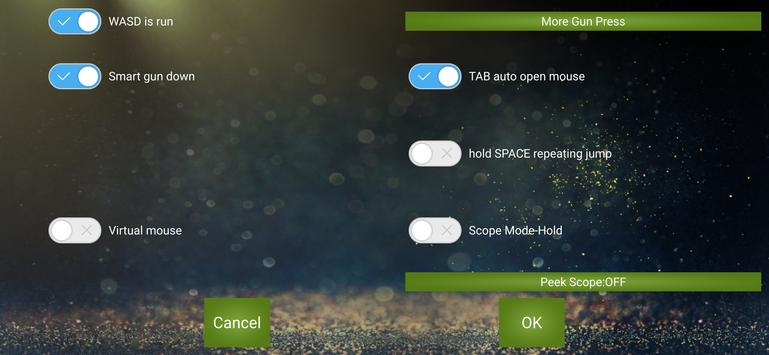
Beyond basic button placement, the software provides input customization for mouse behavior and hardware maintenance. Click registered modes can be set to Normal, Multi, Micro, or Slide options to assist with rapid actions or recoil management, supported by sliders for cursor and camera sensitivity. The interface also manages peripheral settings, allowing users to select between tap or hold configurations for opening weapon scopes and apply direct firmware updates to connected M1 Pro Converter units.
Your comment was submitted and is awaiting moderation.
Your comment was published.