App Screenshots
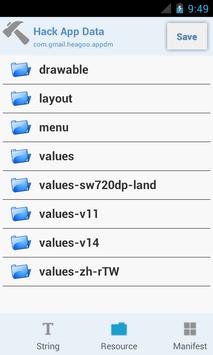

Flexible utility for modifying package resources and layouts.
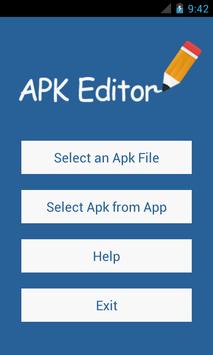
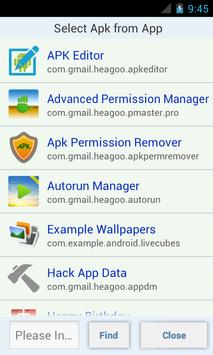
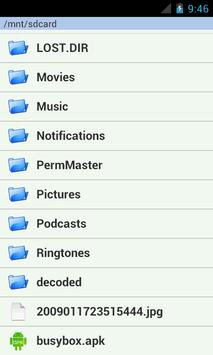
APK Editor is a utility designed to inspect, modify, and rebuild application packages directly on a mobile device. It allows users to perform practical tasks such as localizing user interface strings, replacing icons and image assets, tweaking screen layouts, and reviewing existing permissions or ad-related components. By supporting both single-file imports from local storage and direct extraction from installed applications, it provides a straightforward environment for editing resources and instantly installing the modified package to verify visual and functional changes.
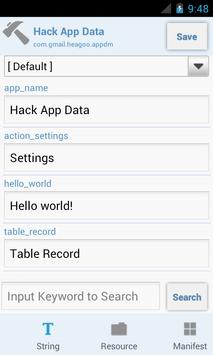
The editing workflow relies on two primary operating modes tailored to different types of adjustments. Simple Edit handles fast resource swaps, making it suitable for basic tasks like changing an application icon or editing string files for translation without rebuilding complex code structures. When structural changes are necessary, Full Edit provides access to deeper modifications, allowing users to alter XML layouts and broader asset sets before recompiling the entire package. Because aggressive changes to internal components can affect application stability, edits must be applied carefully.
Beyond asset replacements, the app functions as a tool for inspecting and cleaning up internal application components. Users can examine requested permissions to understand what an app accesses, as well as locate and remove unnecessary components or integrated ad assets. However, functionality varies based on the edition used and the target file format. The free version does not include manifest editing capabilities, which are reserved for the Pro edition, and the utility exclusively processes standalone single APK files, offering no support for split or multi-part packages.
Once modifications are complete, the app reassembles the project into a new package ready for installation. This allows for immediate on-device testing to confirm that menu translations render properly, layout adjustments fit the display, or removed assets do not break expected behavior. If an edited application fails to launch or encounters errors after installation, users can revert their changes and refine their edits within the workspace.
Your comment was submitted and is awaiting moderation.
Your comment was published.