App Screenshots
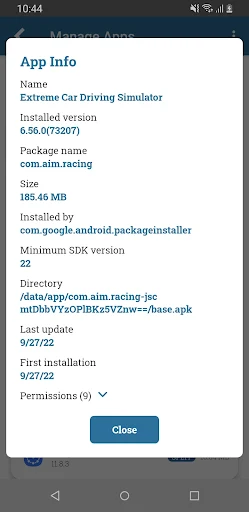

Split package setup and backup utility
Bugs fixed
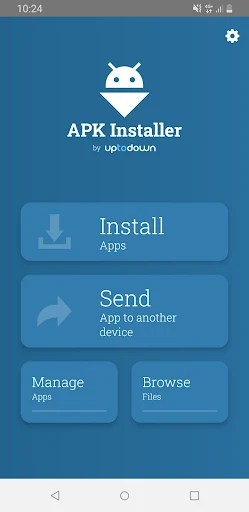
Standard package installers often fail when handling modern software distribution formats, which split applications into multiple components or bundle extra media assets into external folders. APK Installer by Uptodown solves this problem by acting as a versatile management utility that detects and installs non-standard package formats without requiring manual file extraction. Beyond simply executing installs, it allows users to back up existing applications into unified packages and transfer them directly to nearby hardware across a local network connection.
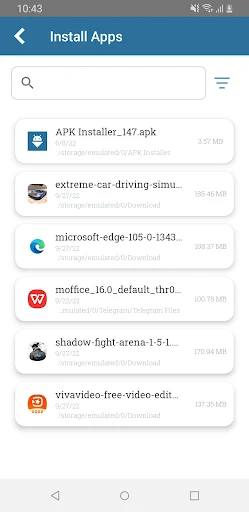
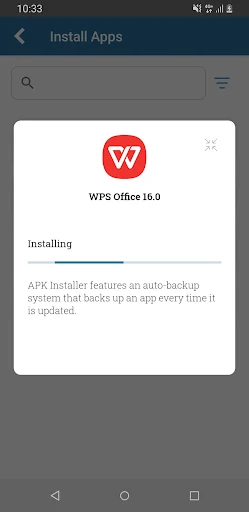
Modern distribution systems frequently break applications into base files and dynamic pieces, such as split-APKs tailored to specific screen resolutions, CPU architectures, and languages. Additionally, larger software packages historically relied on separate OBB files placed in dedicated directory folders to supply heavy audio or video assets. This utility automatically detects these split components and OBB data, allowing you to install complex XAPK and split-APK bundles in a single step without manually organizing system folders or researching file structures.
The utility works in reverse by managing installed applications and generating private backup copies. When creating a backup, it scans the storage, locates all associated files—including the core code, localized split-APKs, and external OBB assets—and packs them into a unified file structure. This ensures that any saved software can be safely archived to storage and successfully reinstalled later on another device without losing critical dependencies.
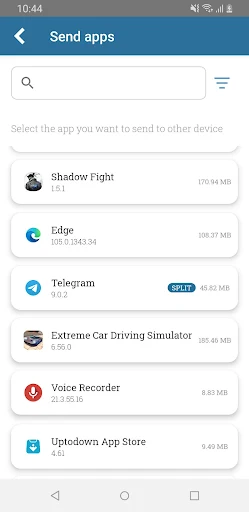
Finding and organizing installations is handled through a built-in file browser that navigates local folders directly within the interface. Once packages are identified or backed up, the application can also send those software files directly to other nearby devices connected to the same local network, eliminating the need to upload files to external cloud storage or physically connect hardware via cables just to move an installer.
Your comment was submitted and is awaiting moderation.
Your comment was published.