App Screenshots

Document reader, editor, converter and scanner
Fix the issue where PDFs fail to open
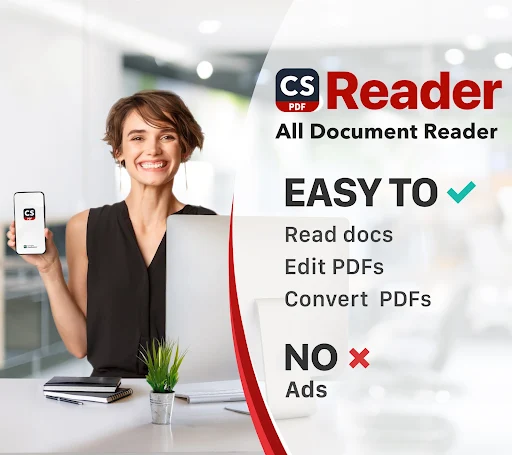
Mobile document management often requires switching between dedicated viewing, editing, and scanning tools. CS PDF Reader – PDF Editor combines these tasks into a single mobile app designed for reading, editing, converting, and scanning documents. Powered by CamScanner, it allows users to capture paper documents with their camera or convert digital files across PDF, Microsoft Office (Word, Excel, PowerPoint), and image formats. With support for e-signatures, document annotations, and file synchronization, it provides a practical mobile workspace for handling everyday office files, contracts, and study materials.
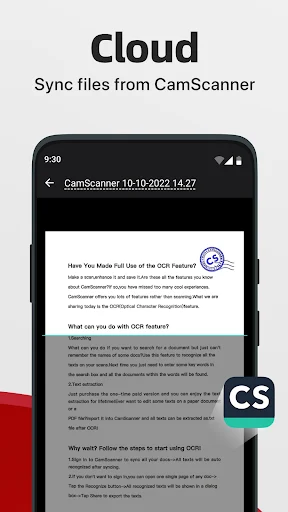
Users can create digital documents by scanning physical paper with their device’s camera or by importing existing images from their photo gallery. The app includes a high-definition scanning mode alongside automatic edge trimming and background removal to produce clean digital files. Because it shares technology with CamScanner, users can synchronize files directly between the two applications. This integration makes it easy to capture hard-copy paperwork, such as paper contracts, and immediately transfer them into a digital PDF workflow.
The app handles bi-directional file conversions between PDFs and several standard file types. Users can convert PDFs into editable Word documents, Excel spreadsheets, PowerPoint presentations, or image files. Conversely, images and Microsoft Office files can be converted into standard PDF documents. This multi-format compatibility with Microsoft, Google, and Adobe files allows users to transform incoming attachments or photo captures into the exact document type needed for distribution or editing.
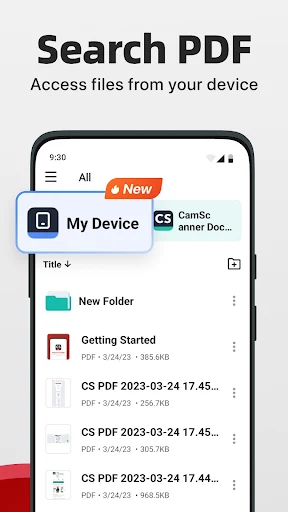
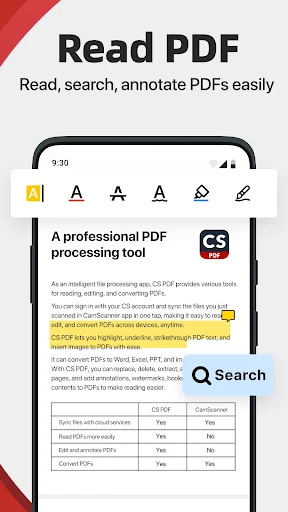
Beyond basic viewing, the app acts as a centralized document manager. Users can import existing files stored on their phone and organize them into custom folders. It supports both single-page viewing and continuous scrolling modes, alongside content search and zoom features to maintain visual resolution. The built-in reading tools also allow users to read documents online or offline, mark up text with highlights, underlines, and strike-throughs, or search for specific words within the file.
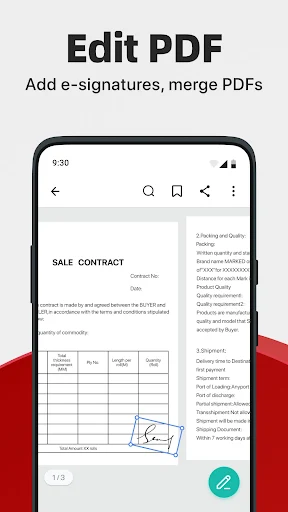
Handling business paperwork on mobile devices is streamlined through dedicated editing tools. When working with contracts or formal agreements, users can apply custom e-signatures directly onto the PDF pages, adjusting the signature’s size and placement to fit the document layout. Multiple PDF contracts can also be merged together into a single file with a single tap. Once documents are edited, annotated, or signed, they can be shared directly via social media platforms, email, or sent to local printers.
Your comment was submitted and is awaiting moderation.
Your comment was published.