App Screenshots

Portal for social security services and retirement requests
Pequenos ajustes e melhorias.
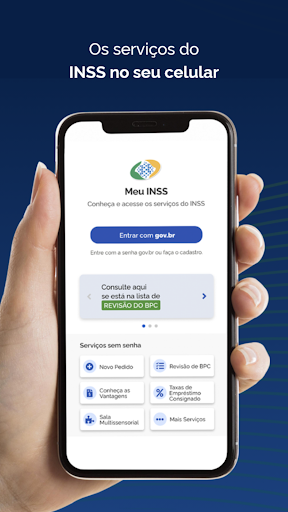
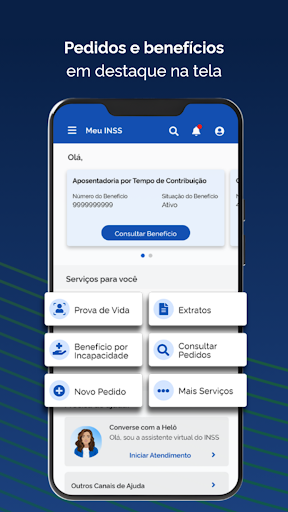
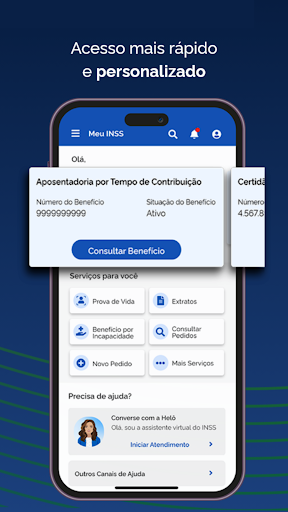
Meu INSS – Central de Serviços provides Brazilian citizens with a direct mobile interface to manage their federal social security benefits, track administrative requests, and access official financial statements. The app allows users to request retirement, calculate their remaining time until eligibility, and check the status of ongoing service applications. By consolidating essential documentation and scheduling tools into one portal, it eliminates the need to visit physical branches for standard social security tasks.
Users can initiate claims for various INSS benefits and monitor the step-by-step progress of their requests directly within the interface. For those planning future claims, the app includes a dedicated calculator to estimate the remaining time required to qualify for retirement based on recorded contributions. If a physical evaluation or consultation is necessary, users can schedule medical expertise appointments and find the nearest INSS service agency through the integrated locator.
The app serves as a centralized hub for retrieving key financial and social security documentation. Users can generate official statements regarding income tax returns, benefit payment histories, payroll-deductible loan details, and proof of INSS benefit receipt. It also grants access to contribution records held in the National Register of Social Information (CNIS) and allows individuals to update their registration details directly to keep their profiles current.
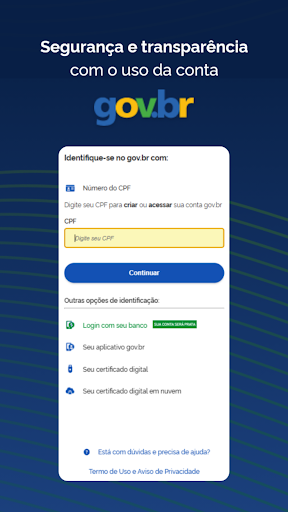
Creating an account requires specific personal details, including a CPF number, full name, date of birth, mother’s name, and state of birth. To complete the setup, the system prompts users with a series of targeted questions about their professional history. These questions act as a security measure to verify the user’s identity before granting access to sensitive financial and contribution data. For additional support or inquiries regarding services, users can contact the INSS Service Center by phone at 135, or submit formal feedback and complaints through the linked CGU Ombudsman portal.
Your comment was submitted and is awaiting moderation.
Your comment was published.