App Screenshots


Private artificial intelligence assistant and image generator
Introducing the Venice Keyboard. Activate in your Settings and use Venice dictation anywhere on your device.
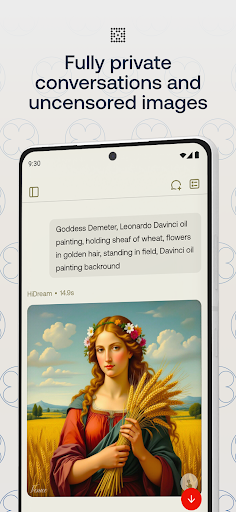
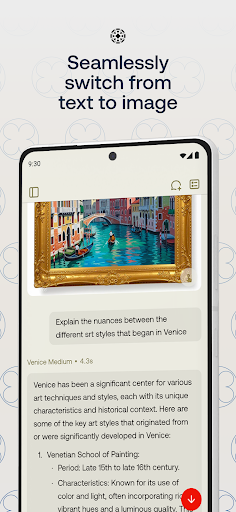
Processing inquiries and generating visual content without cloud logging is the central premise behind Venice AI. The app provides access to unrestricted artificial intelligence directly from a mobile device, handling conversations locally so that no search queries, chat logs, or prompt histories are monitored or collected on external servers. Beyond general text prompts and question-answering, it handles complex media tasks like instant photo analysis, document processing, and image generation without requiring account registration to begin.
Conversations inside the app run without content restrictions or censorship filters, giving users direct, unfiltered answers to open-ended questions. To answer queries requiring current events or factual updates, the system integrates real-time web search directly into the chat workflow. Because processing occurs without central data collection, sensitive research or private inquiries remain strictly on the local device.
Users can process existing files and media by feeding them directly into the interface. Selecting pictures from the camera roll allows for instant visual analysis and context extraction. For text-heavy workflows, the app natively parses PDFs and other documents directly on the device, allowing users to summarize reports, extract specific data points, or analyze long files without uploading sensitive documentation to a remote cloud server.
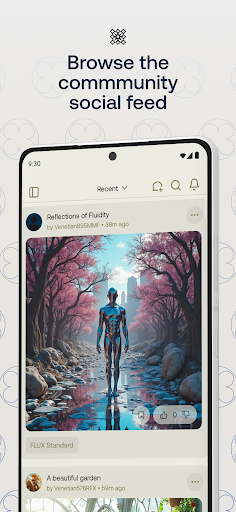
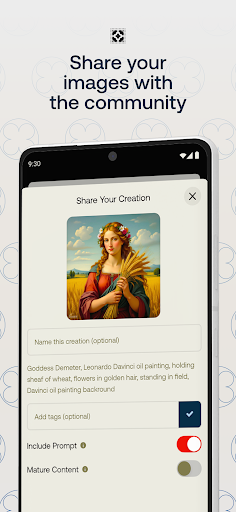
The image generation tool creates custom artwork, memes, and graphic designs from text prompts. Users who want to showcase their visual output or find inspiration can use the integrated Social Feed. This section allows individuals to share their generated creations, publish their effective prompts for others to try, and follow selected creators within the community.
Basic features, text querying, and media tools are accessible immediately upon launching the app without filling out a sign-up form. However, continuous heavy use relies on a tier system. While the base experience provides functional access to the core tools, upgrading to the Pro subscription unlocks unlimited usage, advanced operational features, and higher-tier premium models.
Your comment was submitted and is awaiting moderation.
Your comment was published.