App Screenshots

Fast code scanner and generator tool
Bug fixes and performance improvements
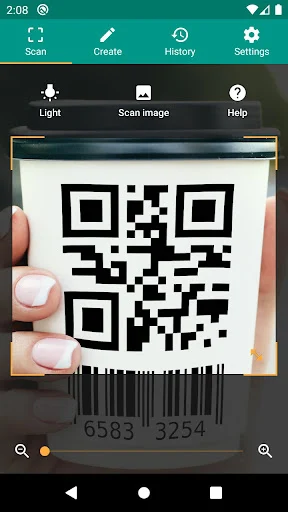
QR & Barcode Scanner provides a straightforward way to read optical codes instantly using a smartphone camera or existing photos. The app automatically detects and decodes information as soon as a camera frame aligns with a target, eliminating the need to tap a capture button. It handles standard web links and contact details along with a broad array of specialized formats, making it useful for verifying retail product prices, reading digital menu cards, checking tracking labels, and archiving digital records.
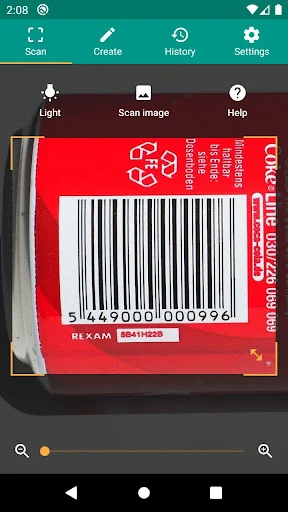
Scanning starts immediately upon opening the app. Pointing the viewscreen at a target captures the underlying data without manual shutter inputs. Beyond basic matrix codes, it recognizes a wide variety of industrial and commercial formats, including Data Matrix, Aztec, UPC, EAN, Code 39, ISBN, and PDF417. This broad recognition makes it practical for scanning physical book covers, shipping box labels, event tickets, and shelf inventory tags. Integrated camera controls allow users to toggle a flashlight in dimly lit environments or use pinch-to-zoom when inspecting distant codes on elevated displays.
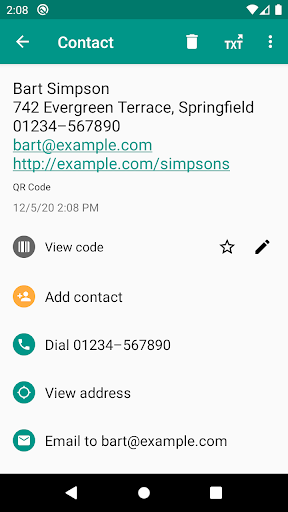
Once a code is scanned, the app displays tailored action buttons based on the decoded data type to reduce manual typing or app switching. Web URLs can be opened directly, Wi-Fi credentials can trigger an automated network connection prompt, and plain text can be copied to the clipboard. The utility offers similar direct actions for calendar events, contact cards, emails, SMS messages, geo-locations, and product searches. For web links, it uses Chrome Custom Tabs paired with Google Safe Browsing, though users should evaluate unknown links before entering sensitive details or payment information.
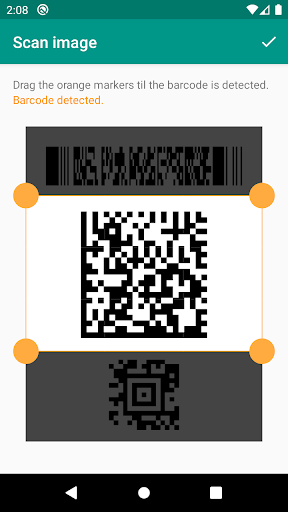
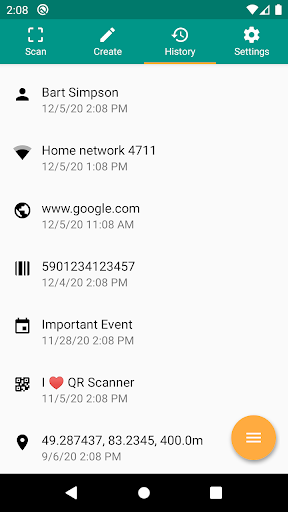
The app is not limited to physical objects in front of the camera; it also processes images stored on the device. When a code arrives via an email attachment, messaging app, screenshot, or downloaded graphic, users can import the image file directly from their local media gallery to extract the embedded information. Additionally, the tool includes functional features to generate custom QR codes on demand and export past scan history logs for future reference.
Your comment was submitted and is awaiting moderation.
Your comment was published.