App Screenshots
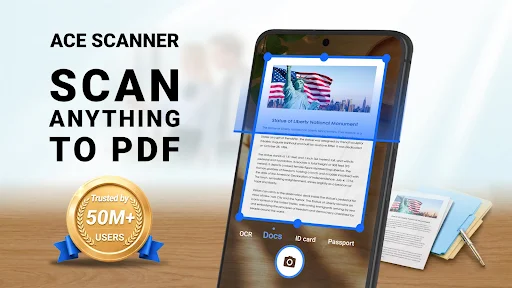
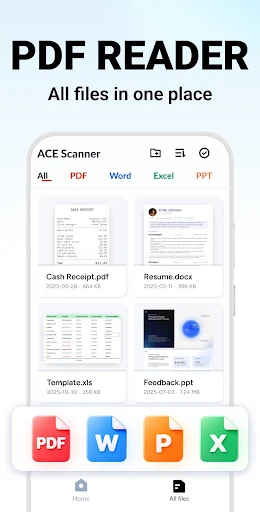
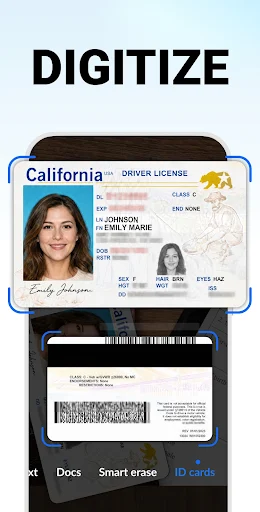
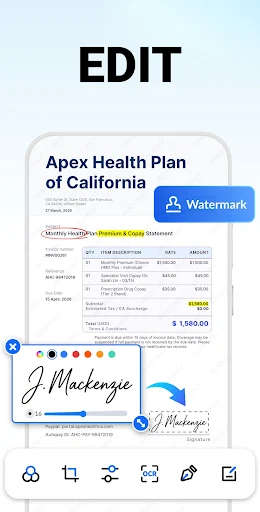

Mobile document and text scanning utility
🌟 Upgraded Image to Word: new formula recognition, improved conversion quality and document fidelity
🌟 Optimized performance and interaction
🌟 Fixed minor bugs
Digitizing physical paperwork into clear electronic documents is simple with ACE Scanner – PDF Scanner App, a mobile app that turns your device camera into an portable document scanner. Beyond capturing basic scans, it uses automatic edge detection, smart cropping, and image enhancement filters to process everything from ID cards and passports to receipts, notes, and multi-page books into high-resolution files. Its integrated OCR text recognition and direct conversion tools allow you to manage, edit, and export your scans in multiple file formats without switching between separate utilities.
The camera interface handles various physical documents, automatically processing items like tax forms, business cards, driver’s licenses, and manuscripts. Built-in enhancement tools refine the capture quality, offering specific color and contrast filters such as Docs, Image, Enhance, and Black & White to keep text sharp and legible. Once captured, pages can be adjusted using standard layout dimensions including Letter, Legal, and A4 formats.
Scanned files are collected into a managed list where you can organize documents into custom folders or sort them by date and name. The editing toolkit allows you to reorder, add, or delete individual pages within a document, doodle directly onto pages using different colors, and merge multiple PDFs with a single tap. For official paperwork, you can generate and apply electronic signatures directly to your pages, as well as overlay customized security watermarks with adjustable text, size, color, and transparency to protect sensitive material.
Built-in OCR technology extracts text from your scanned images, making it possible to convert static photos into editable text files. In addition to creating PDFs from raw scans, the app supports multi-directional conversions, including turning existing images into PDFs, converting PDF files into images, and changing Word documents into PDF format. Completed documents can be shared immediately as PDF, JPG, or TXT files via email and messaging platforms, or printed directly using Cloud Print integration.
Your comment was submitted and is awaiting moderation.
Your comment was published.