App Screenshots

Professional AI photo editor and generator
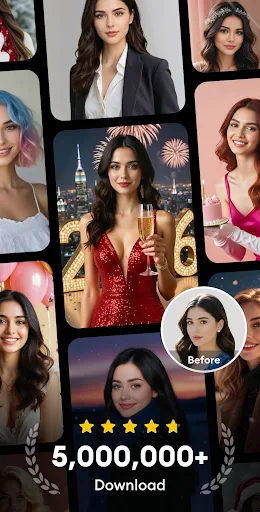
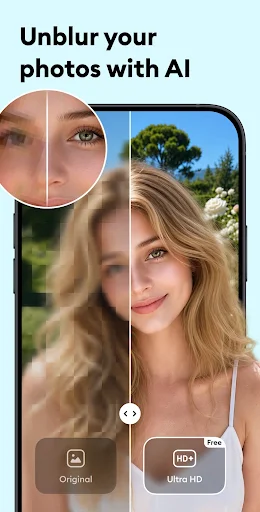
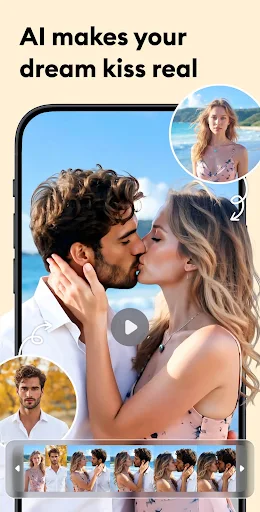
Restoring damaged images, applying stylistic filters, and polishing personal portraits can all be handled inside AI Photo Studio: Editor Pro. This mobile image editor uses automated algorithms to clear up blurry or faded photographs, remove unwanted objects from a scene, and isolate or swap backgrounds with a tap. Users can generate digital art portraits from their selfies, apply thematic filter templates like Yearbook or Pet Love, and tweak core visual parameters such as contrast, brightness, and saturation. For facial retouching, the software provides targeted tools to smooth skin, clear dark circles, whiten teeth, and apply one-tap high-definition enhancements before exporting uncompressed files directly to social media platforms.
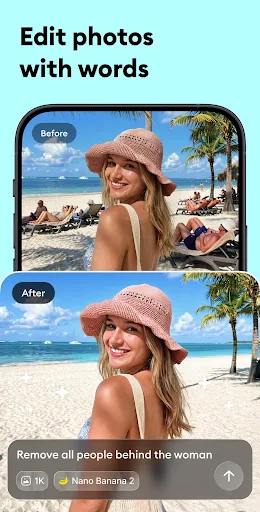
When dealing with low-resolution, faded, or obscured pictures, the app applies algorithmic corrections to sharpen blurry details and restore older prints. An integrated AI eraser allows users to select and remove unwanted elements or people from a shot without manually editing individual pixels. Similarly, the background eraser identifies the primary subject, enabling users to clear out distracting backdrops or replace them entirely to alter the context of a portrait or selfie.
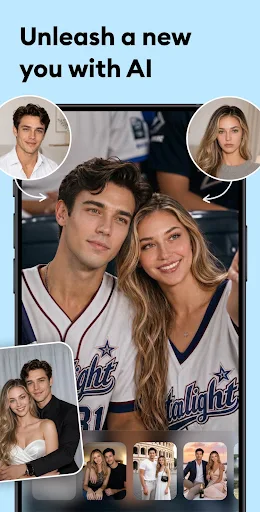
The application includes dedicated beauty tools designed to refine facial features in close-up shots. Users can clear up blemishes and acne, lighten dark under-eye circles, smooth out wrinkles, and brighten smiles with teeth-whitening adjustments. Beyond fine retouching, the editor features an AI portrait generator that transforms standard selfies into stylized digital artwork, alongside a selection of pre-made filter templates designed for immediate visual restyling.
For broader image editing, the platform provides standard controls to adjust balance settings, including brightness, contrast, and saturation. Once edits are complete, the app exports finished images in high definition without applying a watermark or compressing the file quality. Built-in sharing options automatically format images to fit the requirements of major social channels, including TikTok, Twitter, and Facebook.
Your comment was submitted and is awaiting moderation.
Your comment was published.