App Screenshots
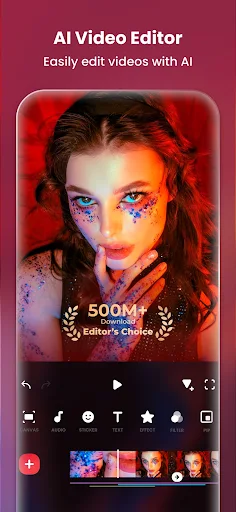
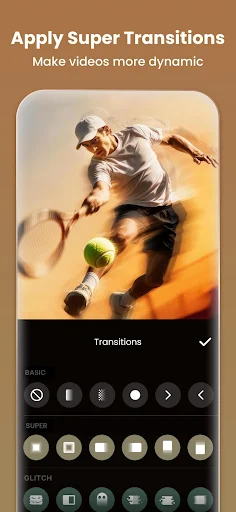
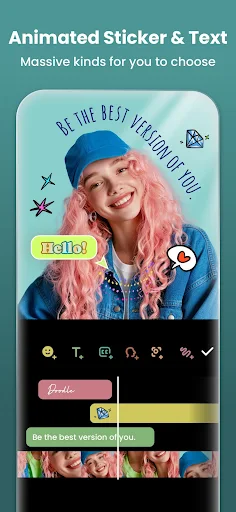

Multimedia editing suite for video and photos
Creating high-quality social media content, vlogs, and photo collages requires a versatile tool set that goes beyond simple cutting. Video Editor & Maker – InShot serves as a comprehensive media editor that handles multi-layered video timelines, specialized audio tracks, and still image enhancements. Users can transform raw video clips into polished posts tailored for platforms like YouTube, TikTok, and Instagram by adjusting aspect ratios, building split-screen compositions, and synchronizing automated elements directly from a mobile device.
The timeline allows for combining, trimming, and reversing video clips while applying speed adjustments, such as custom speed ramping, without sacrificing output quality. Users can create multi-layered compositions using Picture-in-Picture modes, Chroma Key for green screen integration, and blending modes to mix multiple clips together. Keyframe editing tools give precise control over custom animations, while a color picker enables exact color matching for video backgrounds and text elements.
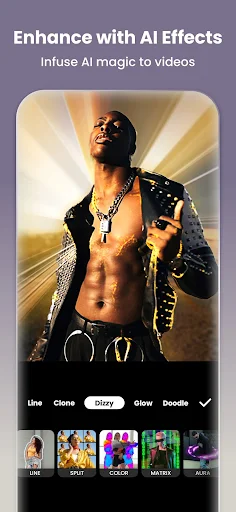
Built-in AI capabilities streamline post-production tasks by automatically converting speech into video subtitles and generating spoken voiceovers from text using various regional accents. Smart tracking keeps applied stickers, text, or emojis moving in sync with selected objects within the video frame. Additionally, visual auto-removal functions allow users to isolate subjects by removing or blurring backgrounds with a single tap.
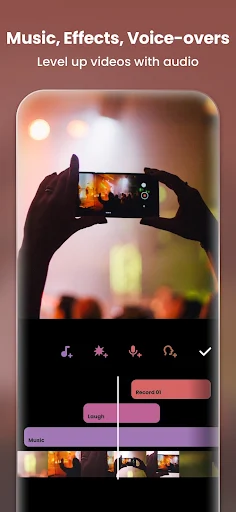
The app features an extensive sound library for adding music, voice-overs, sound effects, and voice-changing filters to any project. Visual transitions help connect separate clips, accompanied by cinematic filters and specialized effects such as Glitch, Retro DV, Noise, and Beat synchronization. Standard color grading parameters, including brightness, contrast, and saturation, can also be customized across individual clips.
Beyond video editing, the software includes a standalone image editor and collage creator capable of combining up to 20 photos into customizable layouts. Users can apply targeted lighting adjustments to brighten portraits, upgrade lower-resolution images with an AI enhancer, blur backgrounds, or erase unwanted objects from photo compositions.
Your comment was submitted and is awaiting moderation.
Your comment was published.