App Screenshots
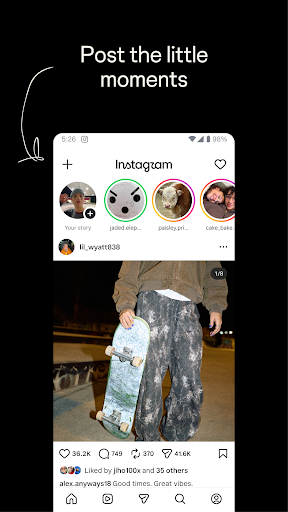

Social media for photo and video sharing
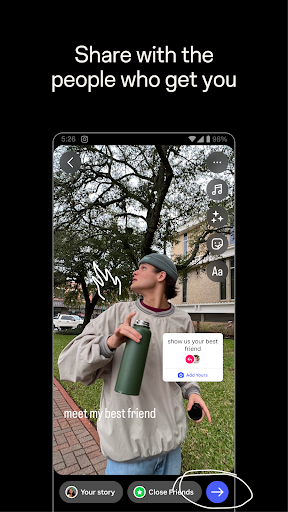
Sharing content, staying connected with friends, and discovering creators happens across multiple distinct post formats inside Instagram. Users can publish permanent photo and video posts to their profile Feed, post quick updates that disappear after 24 hours to Stories, or share short thoughts directly at the top of their message inbox via Notes. Built-in editing capabilities allow people to enhance their media with templates, stickers, music, and visual filters before publishing, making it simple to share everything from casual personal moments to polished creative projects.
Different content types suit different sharing speeds and formats. The traditional Feed supports single images or multi-photo carousels, making it ideal for detailed photo collections, event recaps, or location-tagged updates paired with background audio. For casual interactions, Stories and Notes offer temporary ways to stay in touch without cluttering a permanent profile. A Story lets users post quick behind-the-scenes video clips or images that expire after 24 hours, while Notes accommodate brief text updates—such as a quick status message or weekend plan—directly within the messaging tab. Creative overlays, customizable stickers, and visual filters are available across these formats to customize each post.
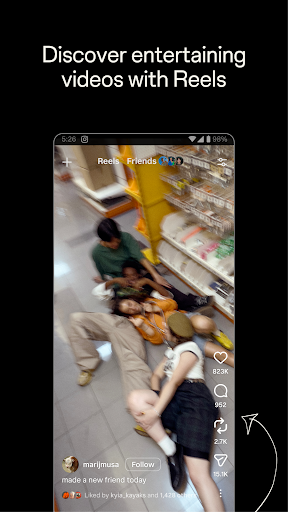
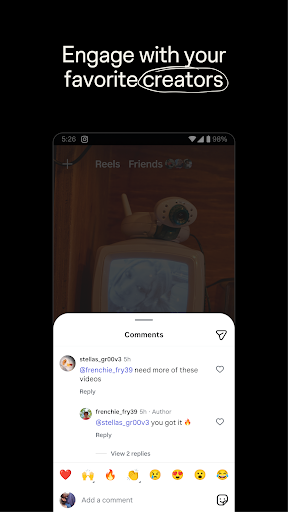
Vertical video content lives inside a dedicated Reels environment, built for both viewing and recording short clips. A integrated video editor enables creators to assemble multi-clip sequences, trim footage, insert text overlays or auto-generated captions, and sync the final video with trending audio tracks. Simple visual adjustments like contrast, brightness, and saturation controls help fine-tune the final look. Audiences can interact with videos directly in the feed or forward specific clips into private group chats for friends to watch.
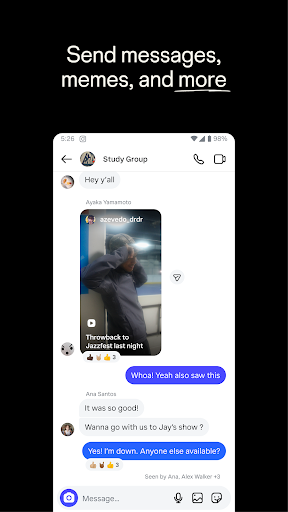
Finding new content tailored to specific interests is centered around the Explore tab. Tapping the search icon opens a grid of algorithmic photo and video recommendations alongside a search bar to look up specific creator accounts or topics. When users find accounts they like, they can follow them directly from their profile pages to customize their main stream. Integrated messaging tools support private conversations, dedicated group chats, and targeted sharing through a Close Friends list for posts meant for a selective audience.
Your comment was submitted and is awaiting moderation.
Your comment was published.