App Screenshots

AI photo and video generator editor
- MuseLab has a fresh look, with a new app icon and an updated visual identity.
- Fixed an issue that delayed credit delivery in some cases.
- Fixed an issue where generation progress could get stuck at 0%.
- Other performance improvements and bug fixes.
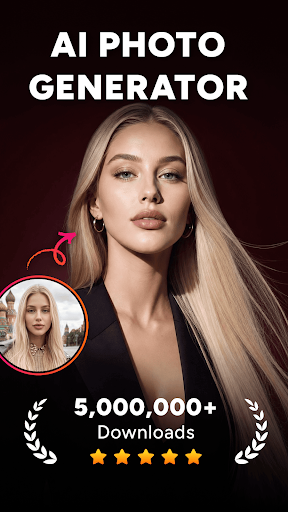
AI Photo Generator: Muselab AI is an image and video generation app that allows you to transform standard selfies into realistic portraits, digital art, and animated clips. Beyond simple filters, it functions as a comprehensive media editor capable of generating stylized imagery from plain text descriptions or expanding existing photos past their original borders. By combining traditional photo restoration features like scratch removal and background swapping with generative features like virtual outfit try-ons, it gives creators a single workflow for both refining existing photos and generating original visual content.
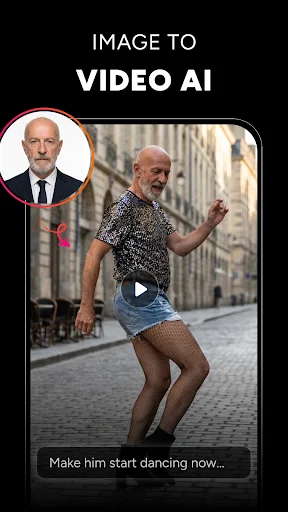
The app handles media creation through both image-to-image and text-to-image pipelines. You can type a short description using descriptive keywords to produce high-resolution digital artwork, wallpapers, or social media graphics without supplying an original photograph. Alternatively, the text-to-video and image-to-video engines allow you to convert still photos or written prompts into dynamic video clips and motion sequences, including specialized output styles like animated motion scenes, comic book visual filters, and custom anime avatars.
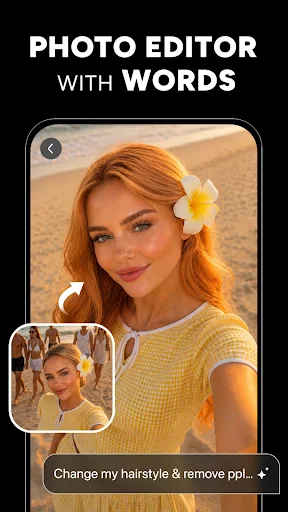
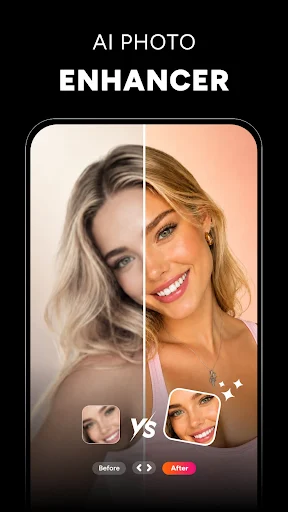
Alongside its generative art tools, the application includes a dedicated suite for fixing and altering existing photography. The built-in AI Photo Enhancer unblurs low-resolution images and upscales detail up to 4K resolution. The restoration toolkit handles older physical prints by automatically repairing surface scratches, correcting blur, and adding color to black-and-white shots. For everyday adjustments, the editor supports object removal to erase unwanted background items, direct background replacement, an AI photo expander to outpaint canvas borders, and a text-driven editor that applies specific visual changes based on written commands.
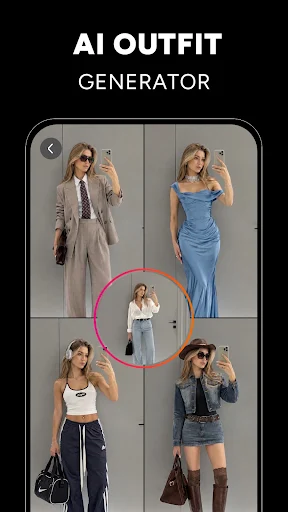
For portrait photography, the platform provides tailored generation modes focused on personal style adjustments. You can generate formal headshots suitable for professional profiles, test different hair colors and hairstyles, or build themed visual shots like Polaroid-style couple photos. The AI outfit generator acts as a virtual wardrobe tool, letting you swap clothing styles and try on different outfits on an uploaded photo without having to take new source photographs.
Your comment was submitted and is awaiting moderation.
Your comment was published.