App Screenshots
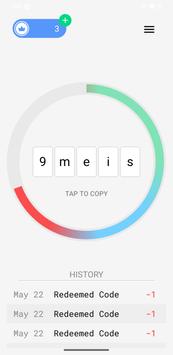
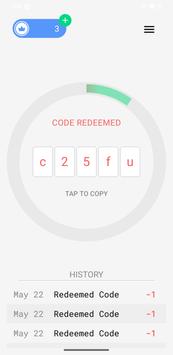
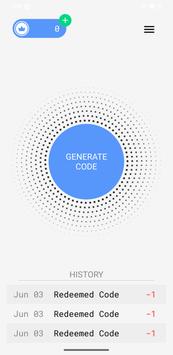

Two-factor authentication code generator
Bug fixes
Unlock-r is a dedicated two-factor authentication app that generates time-based, six-digit verification codes to secure your online accounts. It works entirely locally on your device, allowing you to generate valid login codes for supported websites and services even when you are offline or in areas with spotty cellular coverage. Designed around local data privacy, it keeps your secret keys stored on your phone rather than routing code generation through external servers.
Setting up a new login entry requires minimal manual typing. When enabling two-factor authentication on a banking platform, email provider, or social network, you point your device’s camera at the displayed QR code within the app. Unlock-r reads the secret key, creates the entry, and attaches a label so you can locate the correct code later when signing in.
To prevent unauthorized access to your authentication codes on shared or unattended devices, the app integrates directly with your hardware’s security features. You can enable a biometric lock requirement in the settings menu, which restricts visibility of your active six-digit codes until you successfully authenticate using Face ID or Touch ID.
The standard version of the app focuses on local-only operation, creating time-based codes locally without sending data to third parties. For users who need to manage a larger library of logins or prepare for a hardware upgrade, upgrading to the Full Version removes account creation limits, eliminates advertisements, and unlocks an optional cloud backup feature to safeguard your stored authenticator entries across device changes.
Your comment was submitted and is awaiting moderation.
Your comment was published.