App Screenshots
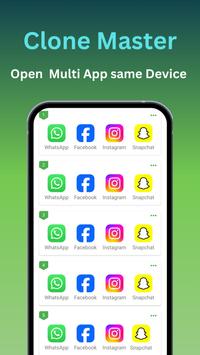
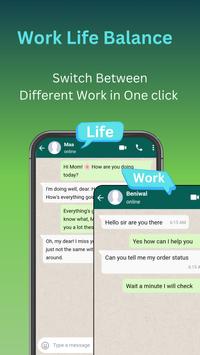
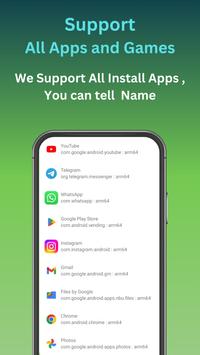
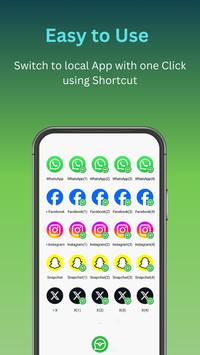


Duplicate applications for multiple accounts
Managing multiple accounts across messaging platforms, social networks, and productivity services usually requires constant logging in and out. Clone Master addresses this by duplicating existing applications, allowing distinct accounts to run side by side on a single device. Beyond simply cloning apps, it isolates each duplicate’s data, keeping personal communications, streaming profiles, and work credentials entirely separate. It also supports deep customization for each clone, enabling unique app names and modified icons to help clear up confusion between personal and professional workspaces.
Cloning an application creates a completely isolated copy that operates independently from the original version. This data separation ensures that login sessions, cached files, and user preferences do not overlap. Users can run duplicate instances of popular communication tools like WhatsApp, Signal, Telegram, and Snapchat, or maintain separate accounts for streaming services like Netflix and Hotstar. It also handles Google services, making it possible to operate distinct Google Workspace, Sheets, and Meet accounts alongside personal ones without account conflicts.
To manage multiple active clones effectively, the app provides tools to personalize the visual appearance of each duplicate. Users can edit the display name and change the home screen icon for individual cloned apps, making it easy to distinguish a work profile from a personal one at a glance. For added privacy, the app includes an incognito login feature for cloned instances and allows per-app permission adjustments, giving users direct control over the data and access rights granted to each duplicate environment.
Your comment was submitted and is awaiting moderation.
Your comment was published.