App Screenshots

Smart typing tool with multilingual support
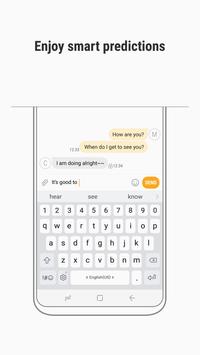
As a built-in input tool, Samsung Keyboard streamlines text entry across different contexts by adapting its layout, interface, and shortcuts to specific tasks. It provides core predictive text and auto spell-check capabilities that learn from individual typing habits to surface word recommendations and correct typos. Beyond basic typing, the app functions as a flexible input hub, offering specialized layouts for web browsing, email drafting, and search windows, while allowing users to switch between over 80 supported languages with a simple swipe on the spacebar.
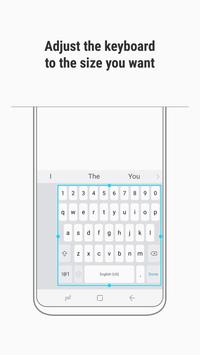
The app supports multiple structural arrangements to accommodate different device sizes and usage scenarios. Users can switch between a standard full layout, a split keyboard for two-handed typing, a floating window, or a compact one-handed mode. The physical footprint of the interface can be resized in four directions, and dedicated rows for number keys or alternative characters can be toggled on or off depending on user preference. For specialized environments, such as when connected to external displays via Samsung DeX, using a physical hardware keyboard, or operating in Car mode, the app automatically optimizes its layout to match the active setup.
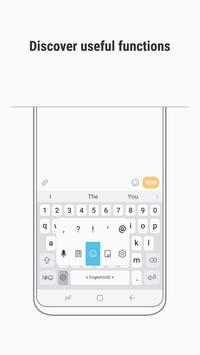
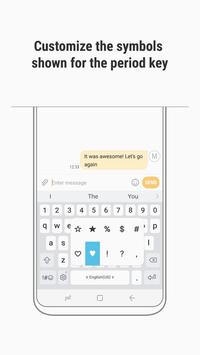
Personalization centers on a assignable custom key and deep symbol customization. Long-pressing the dedicated custom key gives quick access to frequently used tools, including voice dictation, handwriting recognition, the built-in clipboard, or specific symbol menus. Users can assign custom shortcuts for repetitive text blocks, converting short abbreviations into full phrases upon selection. For accessibility, the software features a high-contrast mode designed for low vision or color vision impairments, alongside the ability to lock preferred symbols to a long-press menu on the period key.
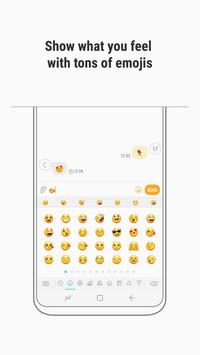
Text management goes beyond live entry through an integrated clipboard system that stores copied text snippets and images for direct insertion into active text fields. A native library contains over 3,000 emojis for quick expression. To maintain consistent settings and personalized typing dictionary data across hardware changes or device resets, the app supports cloud-based backup and restoration via Samsung Cloud, alongside regular language pack updates to expand its vocabulary over time.
Your comment was submitted and is awaiting moderation.
Your comment was published.