App Screenshots

File explorer and storage management tool
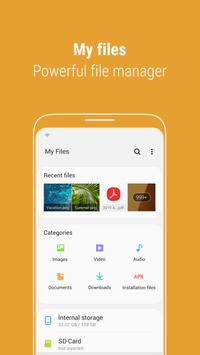
Managing files across internal storage, removable media, and remote accounts often requires switching between multiple tools. Samsung My Files acts as a centralized file explorer that handles local device storage alongside attached hardware like SD cards and USB drives. Beyond physical media, the app connects directly to cloud storage accounts, allowing you to move, copy, compress, and organize documents, media, and APK installation files across different locations from a single interface.
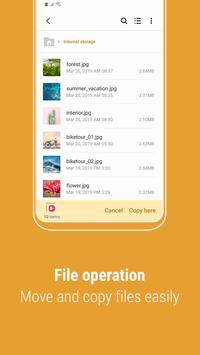
The app aggregates content stored on internal memory, expansion cards, and external USB storage devices. You can browse your directory tree to create new folders, transfer or duplicate items, and extract or compress archive files. For remote data, it connects directly to Google Drive and OneDrive, letting you manage off-device documents alongside your local folders without opening separate cloud clients.
Instead of manually navigating deep directory structures, you can use specialized views to locate specific items quickly. The app automatically groups content into distinct category lists, such as images, audio, video, documents, downloaded files, and installation packages (.APK). It also tracks recently opened, downloaded, or executed files in a dedicated view, and lets you pin shortcuts for frequently accessed folders and files directly to the main screen or your device home screen.
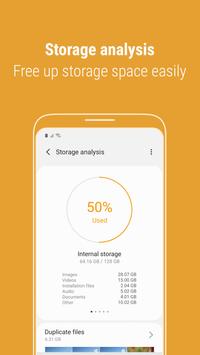
To help maintain available space, a built-in storage analysis tool identifies how space is being utilized so you can locate and remove unwanted files. You can also customize the main dashboard using the home screen edit option to hide storage locations you do not use. When browsing long file names, switching to the list view display removes ellipses, revealing complete file titles without truncation.
Your comment was submitted and is awaiting moderation.
Your comment was published.