App Screenshots

AI-powered storage cleaner and file manager
- Junk file scanning improved
- AI algorithm for storage cleaning improved
- Simple & improved design
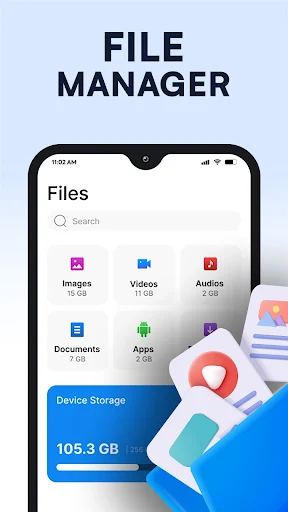
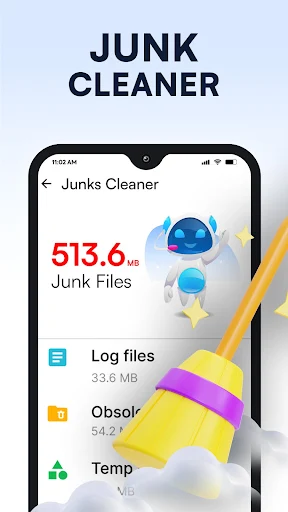
Managing storage space becomes straightforward with Phone Cleaner – AI Cleaner, an app designed to help users identify and remove unnecessary files while organizing their local media and applications. It scans internal memory to locate temporary data, obsolete APKs, and residual files left behind by regular usage. Beyond basic junk cleanup, the app includes automated AI-driven scanning to group large files, duplicate photos, and old screenshots so you can review and delete them in just a few taps. It also serves as a file manager and app viewer, helping you keep track of installed software and the exact storage space each application consumes.
The core cleaning engine targets hidden clutter across the system. It scans for temporary junk, leftover system files, and outdated installation packages that take up storage space over time. To clean up media libraries, the AI scanner evaluates stored images to highlight exact duplicates and old screenshots, allowing you to select and remove redundant media without manually sifting through your photo gallery.
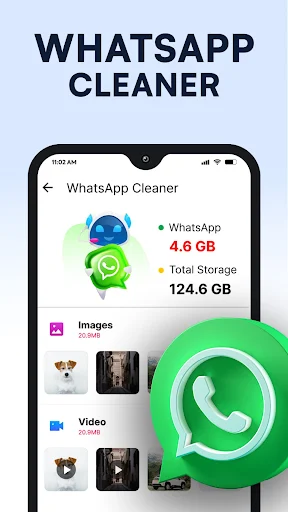
Locating oversized items is handled through automated scanning tools that isolate heavy files and folders. The app monitors remaining storage space and lists large data blocks—including media files sent or received through chat apps—so you can quickly assess what is consuming your device’s capacity. By consolidating these items into actionable lists, you can free up space selectively without affecting essential files.
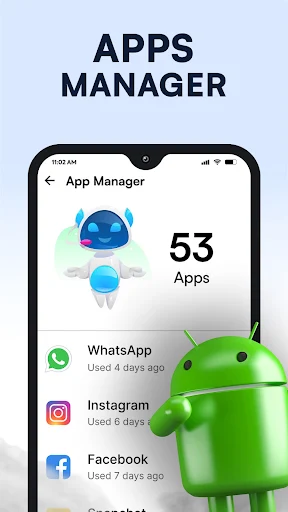
Beyond deep cleaning, the app includes dedicated tools to manage stored content and installed software. The app manager displays all installed applications alongside the precise amount of storage each one occupies, making it easier to spot resource-heavy applications. Additionally, the integrated file manager automatically organizes documents, photos, and videos into categorized folders, streamlining navigation when searching for specific local files.
The app operates under strict data handling guidelines regarding user information. According to its privacy documentation, it does not collect, store, or process personal data, usernames, or email addresses during operation. All scanning and file management processes are contained within the device, ensuring that personal content remains secure while cleaning up system storage.
Your comment was submitted and is awaiting moderation.
Your comment was published.