App Screenshots
PDF reader and document scanner
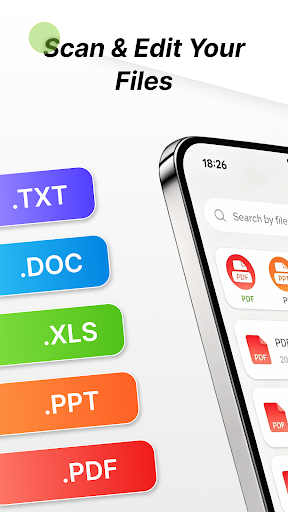
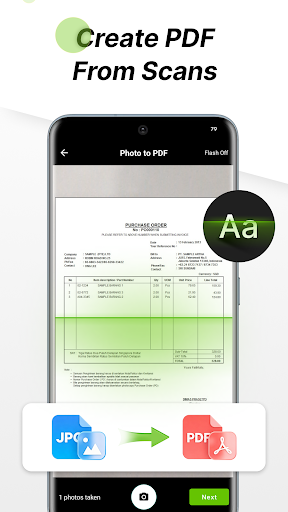
Managing personal and professional paperwork often requires separate tools for viewing existing files and capturing physical documents. PDF Master – Read&Scan combines these tasks by functioning as both a document viewer and a mobile camera scanner. The app automatically detects local files stored on your device so you can open PDFs and other supported formats from a single interface, while its built-in scanner uses your device camera to convert physical paper documents into PDF files.
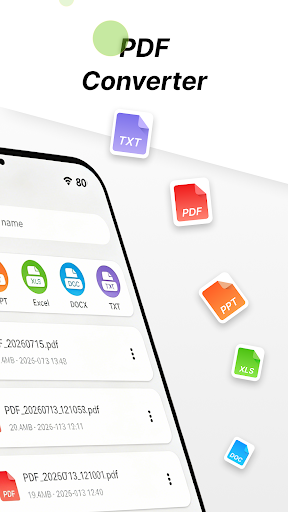
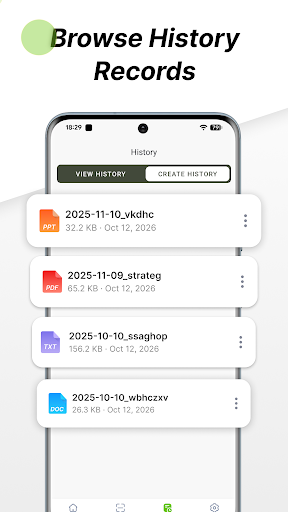
The app scans your device’s internal storage to locate and organize accessible files. Instead of manually searching through system folders, you can view your local PDF files and supported document formats within a unified library. The integrated reader opens these files directly, providing a dedicated interface for reviewing multi-page documents, reading text, and checking paper records.
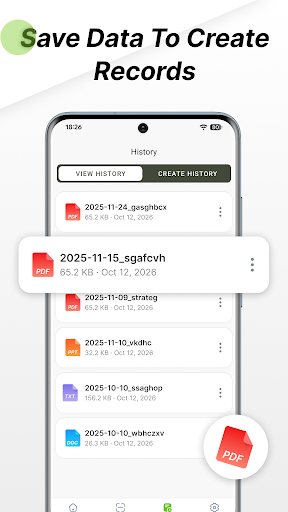
When you need to digitize physical paperwork, the app uses your camera to capture images of physical documents and convert them into PDFs. Once captured, these new files are automatically sent to a designated folder within the app, labeled as My PDFs. This isolated storage space keeps your newly generated scans distinct from imported or existing local documents, making it easier to track digital receipts, contracts, or notes.
To streamline frequent access to recurring files, the app maintains a Recent Files log. This section tracks your reading history and automatically lists recently opened items, allowing you to jump back into active documents or reference material without having to search through your local library or the scanned document folder again.
Your comment was submitted and is awaiting moderation.
Your comment was published.