App Screenshots
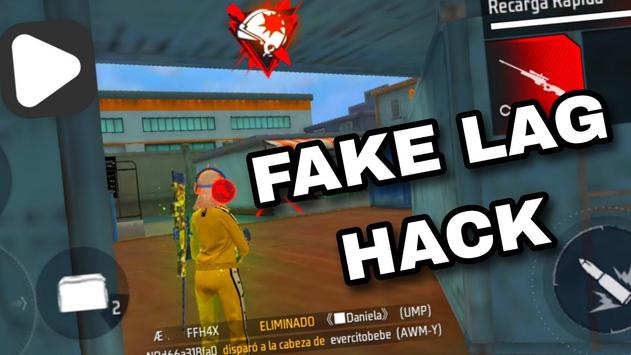

Customizable network delay tool
Altering network latency on demand gives players control over how their character’s movement appears to others in online matches. Fake Lag is an app designed to simulate network delay by applying customizable latency patterns, making real-time positioning less predictable to opponents. Users can fine-tune the intensity, duration, and frequency of the lag to match different competitive situations, while real-time indicators show when the effect is active. It provides both manual toggles for brief tactical moments and automatic triggers for recurring match events, along with a quick-disable function to restore standard connection speeds instantly.
The core functionality relies on adjusting how delay is injected into active sessions. Users can choose between continuous lag for a steady, altered pace or intermittent spikes that interrupt movement at specific intervals. Fine-tuning parameters like intensity, duration, and frequency allows for specific timing effects suited to different online titles. To avoid constant manual adjustment during gameplay, configuration profiles can be saved and swapped with a single tap, making it straightforward to transition between subtle timing shifts and more erratic movement patterns as a match progresses.
Controlling when network adjustments take effect is managed through multiple input methods. Manual control is intended for critical, high-stakes moments where delay is only needed for a few seconds. For predictable gameplay scenarios, automatic triggers apply the selected lag profile without requiring direct input. On-screen real-time indicators confirm when artificial latency is actively being applied, and a dedicated toggle immediately cuts the effect to return the connection to its baseline responsiveness.
Because modified network traffic directly affects how movement is rendered on opponent screens, using artificial latency carries practical risks. Disrupted timing can trigger anti-cheat flag systems or destabilize session connections depending on the netcode of the title being played. Reviewing individual game rules and service terms is necessary before using delay simulation, as unauthorized network manipulation can lead to account penalties or disconnection from game servers.
Your comment was submitted and is awaiting moderation.
Your comment was published.