App Screenshots
Photography and image capture tool
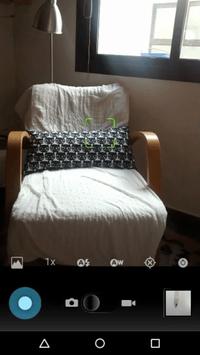
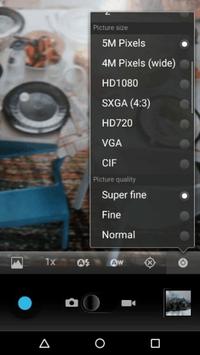
Replacing the default mobile camera interface, Camera provides manual photo controls alongside standard shooting features. The app allows users to adjust image quality and frame photos using a multi-stage shutter mechanism, where holding down the shutter button sets the depth of field before releasing it captures the shot. With integrated options for zoom, focal distance, and artificial lighting, it serves as a lightweight alternative for taking customized photos directly from a device.
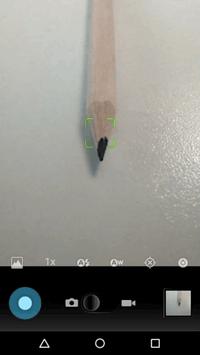
The app features dedicated focus modes to handle different distances, including options for automatic, infinite, and macro focus. Background blur is managed dynamically during shot setup; holding down the shutter button engages the focus and establishes the depth of field, bringing either the foreground or the background into sharpness depending on the distance, while releasing the button completes the capture.
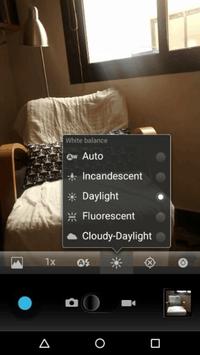
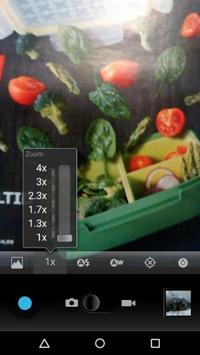
Before capturing a photo, several visual parameters can be modified. The app supports up to 4.0X digital zoom using a two-finger pinch gesture, along with five default white balance presets to adjust color temperature under various light sources. Additional options allow users to toggle a special light mode, apply visual filters, re-scale the output photo size, set the overall image quality, or configure a self-timer for delayed shots.
Your comment was submitted and is awaiting moderation.
Your comment was published.














 Freeing storage that does not fill back up in a week
 CapCut against PicsArt