App Screenshots
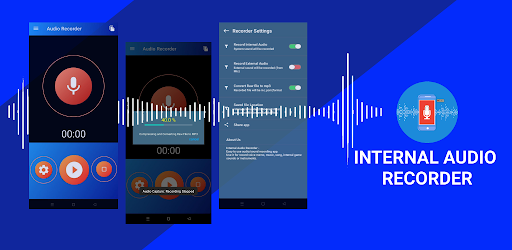
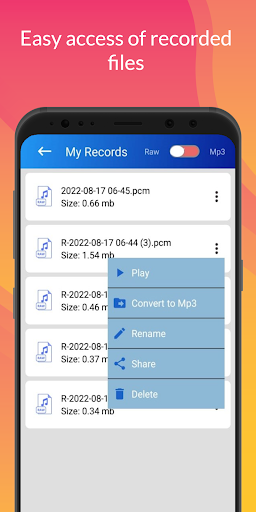

Record device sounds and microphone audio
- Optimized app functionality.
- Added audio download option in the menu.
- Added advance options in the settings to give you more control over output audio files.
- Optimized ad implementation.
- Resolved bugs and crashes from previous updates.
Capturing clean audio directly from your phone often requires choosing between ambient room sound and pure device output. Internal Audio Recorder provides a dedicated utility for saving internal system sound from other applications or recording external voice memos through the built-in microphone. By offering a direct switch between these two input sources, the app allows you to record music, audiobooks, in-app sounds, or personal voice notes depending on your setup and needs.
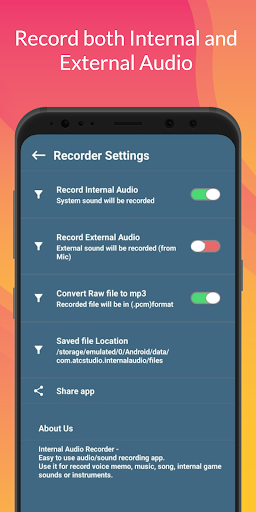
The core functionality rests on selecting the correct audio source inside the app settings. By default, the system uses the microphone to capture external sounds, which is ideal for quick voice memos. Switching to the internal audio mode routes sound directly from running media or apps without ambient background noise. However, full internal recording relies on system-level capabilities and requires a device running API level 29 (Android 10) or higher. On older devices, the app restricts recording to external microphone input. Additionally, system policies set by other developers may block internal audio recording for specific applications, and microphone input cannot be captured simultaneously while recording internal sound.
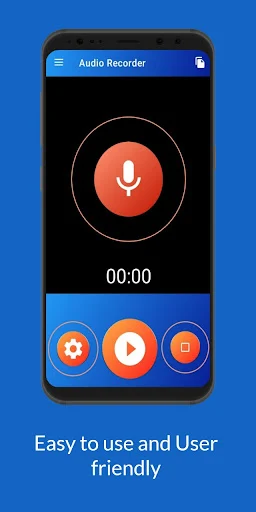
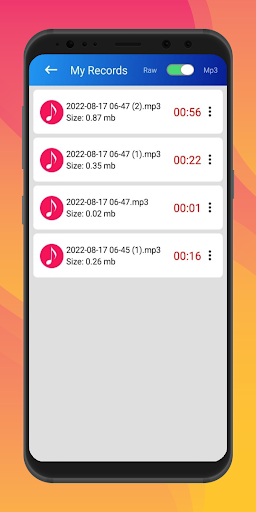
Managing an active session relies on a set of floating or on-screen controls that let you pause, resume, stop, or cancel a recording on the fly. The app continues to capture audio in the background, allowing you to navigate away to the media source or app you wish to record without interrupting the process. Once a session ends, all saved tracks are organized in a single built-in management menu, where you can play back files or use the integrated share function to send audio clips to other applications or contacts.
Your comment was submitted and is awaiting moderation.
Your comment was published.