App Screenshots
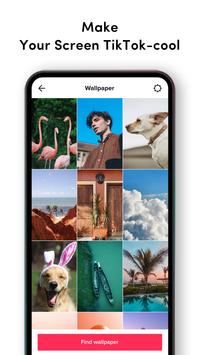

Video wallpaper utility
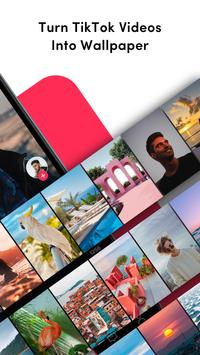
Customizing a phone background with short video clips often requires converting files manually, but TikTok Live Wallpaper automates this process directly from the social platform’s interface. Instead of relying on static screenshots, users can convert short clips—such as looping landscapes, sports highlights, animal clips, or anime edits—into moving home screen or lock screen backgrounds. The application processes selected videos into saved Live Photos, allowing quick background management while offering essential sound controls for quiet playback.
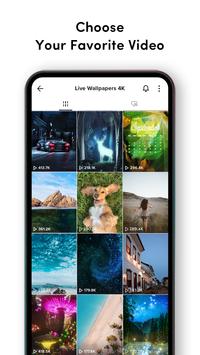
The core functionality operates directly alongside normal clip browsing. When viewing a video within the primary social app—whether it is a music moment, a trend, or a creator edit—the built-in share options allow sending that clip straight to the conversion tool. The utility processes the short video into a format suitable for continuous playback on the display, making it practical for scenes that rely on motion, such as looping cityscapes or detailed visual edits.
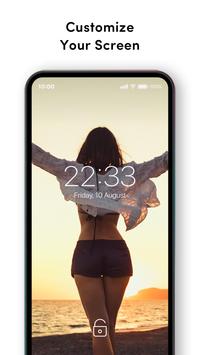
Animated backgrounds can be applied to the home screen, the lock screen, or both locations simultaneously. This allows users to configure different visual styles across their device, such as setting a subtle, quiet loop behind interactive app icons and placing a brighter, higher-energy video on the lock screen. The available placement settings depend on how the specific device handles system wallpaper previews; re-applying the setup through the system’s background settings menu can help if default options appear limited.
Converted videos are stored as Live Photos, creating an accessible local collection for frequent background changes. Users who like to rotate their phone style—matching a sports moment to a game day or using a quiet clip during work hours—can swap between saved items without searching for the original source video again. Clips with clean loops, clear visuals, and low visual clutter tend to deliver the best results when displayed behind home screen app icons. Basic audio management is also included to keep animated wallpapers quiet during daily phone use.
Your comment was submitted and is awaiting moderation.
Your comment was published.