App Screenshots
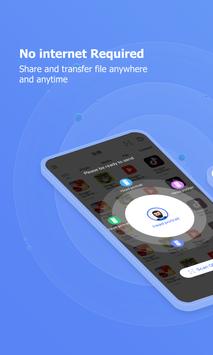

Offline file transfer utility
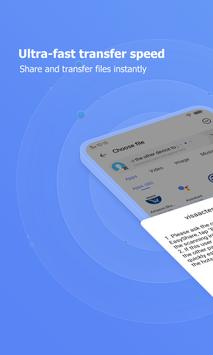
EasyShare is an offline file transfer and device migration app that moves photos, videos, music, documents, and installed applications between devices without using mobile data or an internet connection. Operating over local WLAN or Bluetooth, it achieves transfer speeds of up to 40 Mb/s without setting file size caps. Beyond simple file sharing, it includes a one-tap phone replication feature designed to copy contacts, call logs, text messages, and media directly from an old phone to a new one.
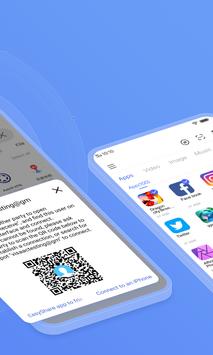
Sending large files like high-definition video recordings or heavy document packages across nearby devices happens entirely over local wireless connections. Because there are no file size limits, users can select large batches of media or installer files on the home screen under categories like Pictures or Documents and send them immediately. If Wi-Fi conditions are congested, the app can fall back to Bluetooth to complete a transfer, albeit at lower speeds. A dedicated History section allows users to verify which items successfully transferred if a connection drops. To keep transfer speeds near the 40 Mb/s maximum, keeping both participating devices close together with their screens active helps maintain an unbroken link.
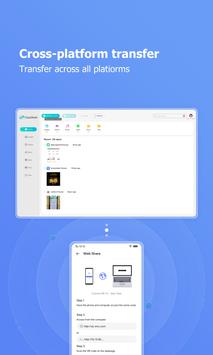
The app functions across Android, iOS, Windows, and Mac operating systems, making cross-ecosystem file movements routine. A user can transfer an uncompressed video file directly from a mobile device to a Windows PC over local WLAN, and then send a PDF to an iOS device using the same local interface. Eliminating the need to compress folders or upload content to cloud storage, direct local pairing simplifies daily sharing across diverse hardware setups at home or in an office.
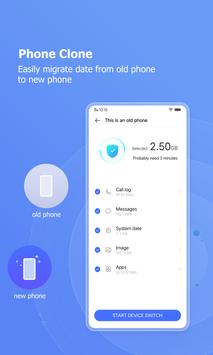
When transitioning to a replacement device, the built-in Phone Replication feature—also referred to as Phone Clone—automates the migration process. Instead of manually backing up and re-downloading individual items, users initiate a single-tap clone operation to transfer contacts, SMS text messages, call history records, saved photos, and supported apps directly into the new phone’s local storage.
Your comment was submitted and is awaiting moderation.
Your comment was published.