App Screenshots
Lifestyle and visual ideas community
Bugs in the last version have been fixed.
Planning a wardrobe, finding a new recipe, or collecting beauty tips often requires digging through long video clips or juggling multiple visual editing tools. Lemon8 – Lifestyle Community simplifies this process by acting as a photo-first social canvas focused on everyday inspiration. The app allows users to browse organized lifestyle posts in a personalized feed, save ideas for travel, fashion, or home decor, and publish their own visual guides using built-in design templates, fonts, and stickers without leaving the platform.
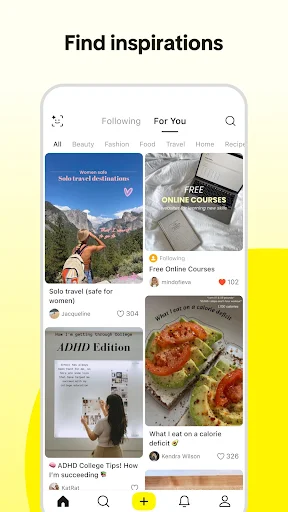
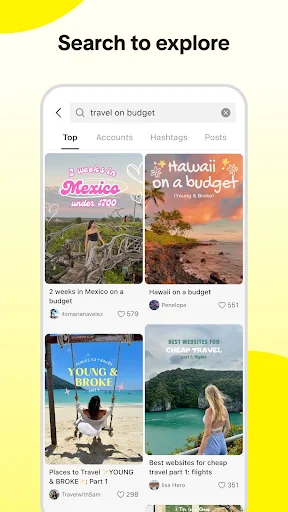
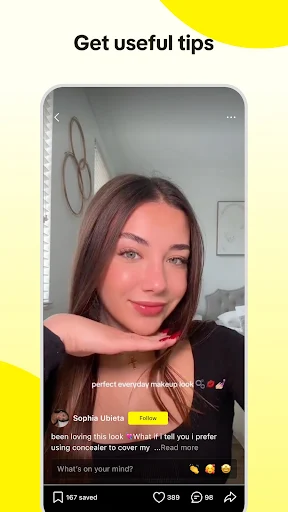
The central hub of the app revolves around a For You feed that adapts to the specific topics and aesthetic styles a user interacts with most. Rather than relying on generic trends, the algorithm surface-level content based on viewing habits and past engagement. For targeted searches, users can tap into hashtags and search tools to explore specific categories like simple lunch ideas, makeup tutorials, or café recommendations. This makes it easy to move from a single search query straight into a curated stream of related visual guides.
Unlike platforms dominated purely by fast-moving video, this app emphasizes photo-first posts accompanied by captions, organized lists, and clear visual annotations. This structure makes information easier to scan on a phone screen. A single beauty post, for example, can display product swatches, shade names, and application notes within a clean image layout. Similarly, travel posts can pair scenic photography with route notes and local tips, creating a format tailored for collecting actionable ideas rather than quick entertainment.
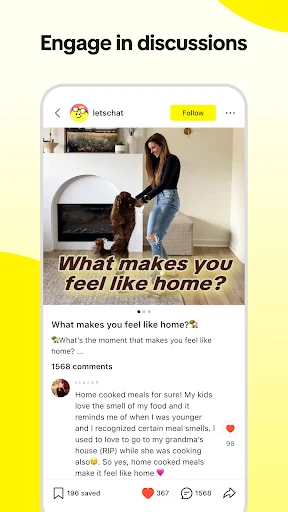
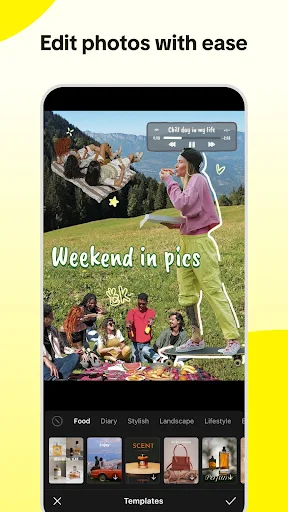
Publishing content inside the app does not require external graphic design software. The built-in editor provides pre-made templates, custom fonts, stickers, filters, and text placement tools designed to produce neat, structured posts. Creators can import photos or short video clips, adjust the visual presentation, and add descriptive captions within a single workflow. Community features like comment sections and interest-based sharing also allow users to discuss ideas and connect over shared visual projects.
Your comment was submitted and is awaiting moderation.
Your comment was published.