App Screenshots

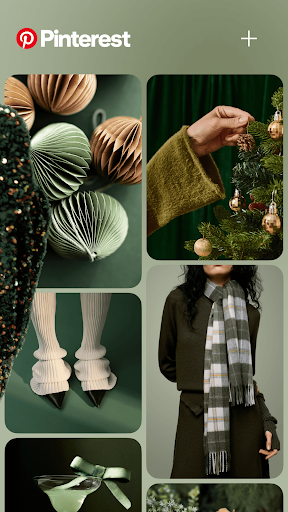
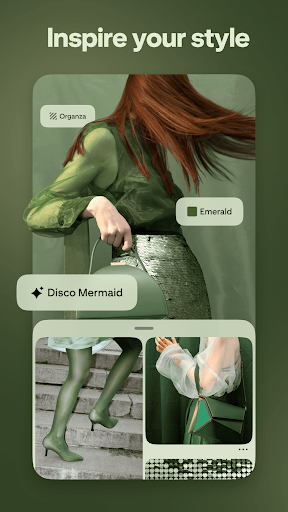
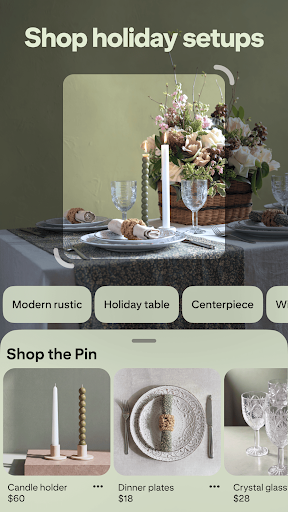
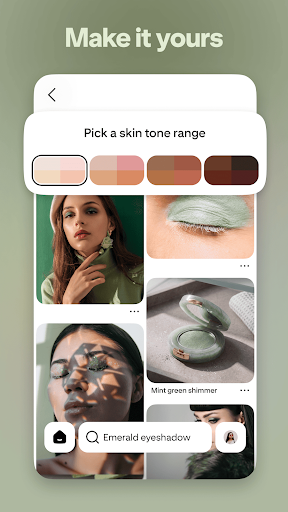

Visual inspiration boards and lifestyle ideas
Every week we polish up the Pinterest app to make it faster and better than ever. Tell us if you like this newest version at https://help.pinterest.com/contact
Turning visual inspiration into real-world plans is the main focus of Pinterest, an app designed for gathering and structuring ideas. Users can search for creative concepts, discover related imagery, and organize their findings into customized boards for everything from dinner recipes to room renovations. By analyzing user searches, saves, and views, the app tailors its recommendations over time, while integrated tools make it possible to build visual collages and access step-by-step tutorials, product pages, or creator content directly from saved items.
The home feed uses a dedicated area to recommend content based on search history, saved items, and recent interactions. Looking up a simple query can surface an expanded variety of related ideas; for instance, searching for wall patterns may display matching decor concepts, color schemes, and furniture arrangements in the same view. A search for cooking ideas might return step-by-step instructions alongside photos of finished dishes and complementary sides. Because the feed adapts to ongoing interactions, spending time saving specific items and searching for targeted topics helps refine the accuracy of future suggestions.
To keep collected ideas readable over the long term, items can be sorted into custom boards. Users can set up broad collections or narrow them down into distinct focus areas, such as separating kitchen storage concepts from paint colors for a larger home project. Boards can be made public to share with others or kept secret to private-plan events, manage personal gift lists, or store early design drafts without presenting them publicly.
When a single image does not capture a complete project, built-in collage tools allow multiple items to be combined into a single visual arrangement. This helps users compare different elements, such as pairing prospective rug designs, sofa styles, and paint swatches, to evaluate how well they fit together. All saved boards, custom collages, and collected content automatically sync across mobile devices, web browsers, and desktop interfaces to remain accessible across different platforms.
Your comment was submitted and is awaiting moderation.
Your comment was published.