App Screenshots

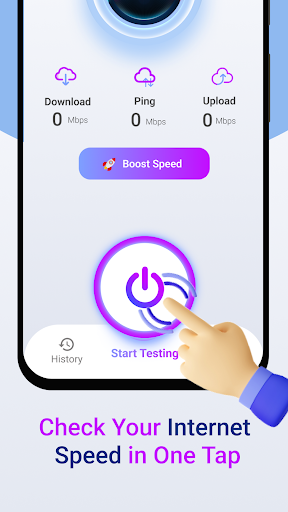

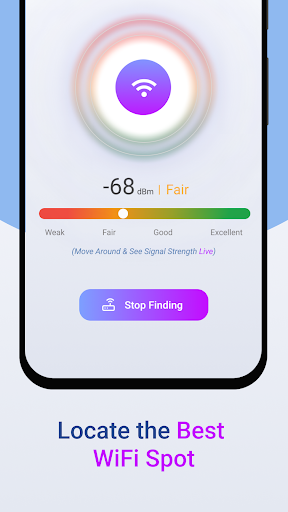
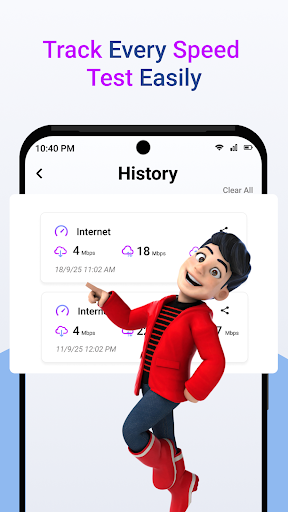
Internet speed test and wireless network analyzer.
Updated to meet google requirements.
When internet connections slow down, video streams buffer, or online calls drop, SpeedX: Internet Speed Test serves as a complete diagnostics toolkit to pinpoint network issues directly from a mobile device. The app performs quick internet speed tests across WiFi, 4G, and 5G networks, measuring download rates, upload speeds, and latency from a single screen. Beyond basic performance tests, it includes a dedicated WiFi analyzer to evaluate surrounding channel congestion, along with low-level network diagnostic utilities like traceroute and port checking.
The app measures real-time connection performance across both cellular and wireless connections, delivering concrete figures for download speed, upload speed, and ping latency. Results are saved automatically over time, allowing users to compare connection performance across different locations or times of day. These metrics make it easy to verify whether an internet service provider is delivering advertised speeds or to check if a connection has enough bandwidth and low enough ping for latency-sensitive tasks like online gaming and video calls.
To address wireless interference, the app scans nearby 2.4 GHz and 5 GHz networks to display signal strength in dBm, frequency details, and access point information. It evaluates channel congestion to identify less crowded frequencies, directly helping users select the best channel for their home router. If high interference is present and no low-congestion channels are available, the analyzer explicitly alerts the user, taking the guesswork out of troubleshooting choppy wireless connections.
For deeper connection troubleshooting, the app includes a suite of standard network diagnostic tools. Users can run manual ping tests, execute DNS lookups, trace network routing paths with traceroute, check port accessibility, and measure packet loss. The diagnostic suite also tracks minimum, average, and maximum latency alongside jitter measurements, helping technical users determine whether connectivity failures stem from local network setup, DNS resolution errors, or remote routing problems.
The integrated network analyzer scans the local connected network to discover nearby active devices and display their IP addresses and connection details. Users can inspect the specifics of their current WiFi link to monitor signal quality and verify network configurations, providing a clear snapshot of all hardware sharing the local connection.
Your comment was submitted and is awaiting moderation.
Your comment was published.