App Screenshots
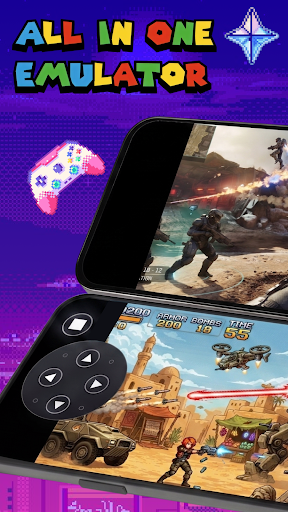
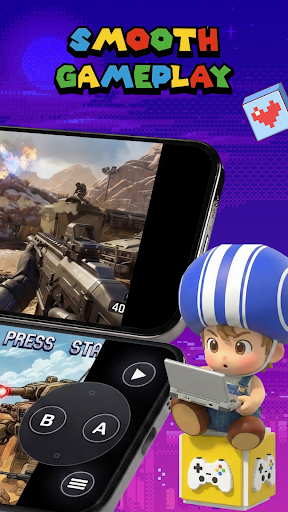
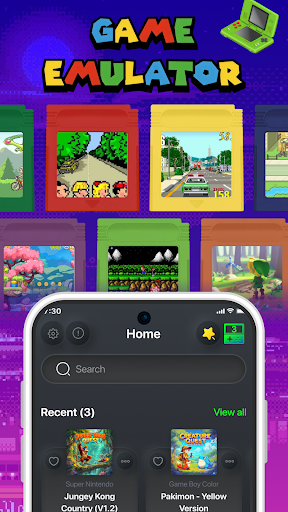

All-in-one retro console emulator
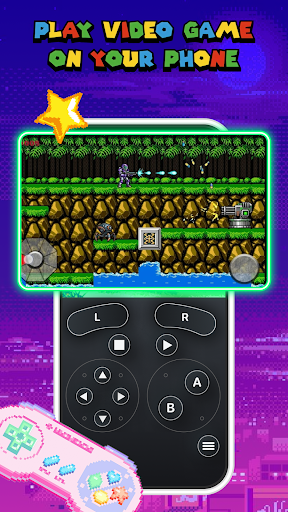
Managing multiple classic gaming systems usually requires downloading separate programs for each era, but Game Emulator: GB4 Retro Games functions as an all-in-one hub that handles titles ranging from 8-bit handhelds to 32-bit home consoles within a single interface. Designed to run user-provided game backups from local storage or cloud drives, the app eliminates complex setup by automatically organizing collections by system generation and providing built-in tools like save states, custom touch controls, and fast-forward options.
The app operates on a bring-your-own-content model, meaning it contains no pre-installed game data or system firmware. Users import legally acquired game files directly from local device storage or linked cloud accounts. Once added, the software automatically categorizes titles by their respective console generation to keep large collections structured. Users can quickly locate specific entries using a real-time search filter or long-press any entry in the library to access quick options for renaming files, deleting content, or immediately loading saved states.
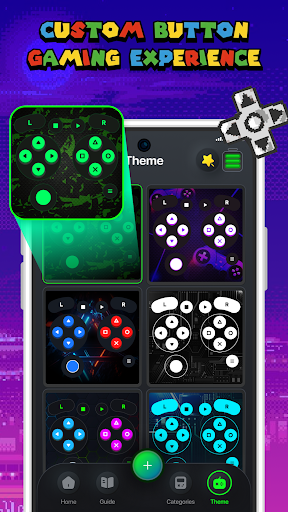
To streamline gameplay, the app provides standard quality-of-life utilities that let players save and resume progress at any precise moment, as well as a fast-forward toggle to speed through grinding sections or lengthy cutscenes. Screen captures can also be taken instantly with a dedicated button. For input, users can map external Bluetooth gamepads to configure multi-player layouts or rely on customizable touch-screen controls. On-screen button skins support both portrait and landscape orientations, with options to adjust button transparency and enable subtle haptic vibration feedback for physical button-press responses.
While many supported console platforms run directly after importing software titles, certain systems may require users to supply legally acquired system files or firmware to function properly. To assist with initial configuration, Game Emulator: GB4 Retro Games includes step-by-step tutorial walkthroughs covering setup procedures and feature navigation. Users can also personalize the visual interface by adjusting color themes and visual layouts to suit their preferences.
Your comment was submitted and is awaiting moderation.
Your comment was published.