App Screenshots
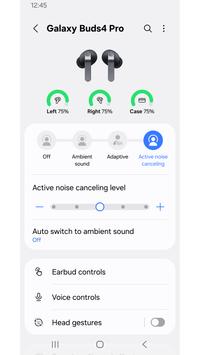
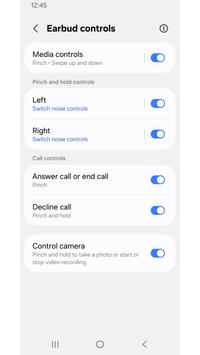
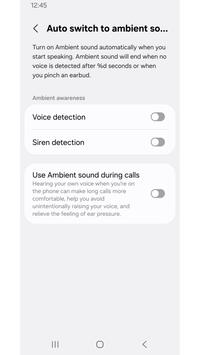
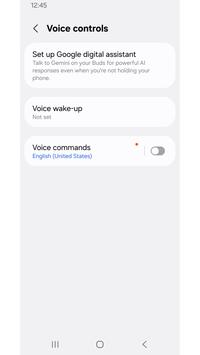
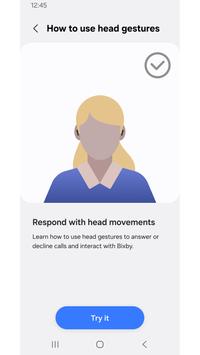

Device settings and status manager
Managing earbud settings and checking device status requires the right companion software on your device. The Galaxy Buds app acts as a central control hub for compatible hardware, specifically supporting Galaxy Buds4 models and higher. Through the interface, you can adjust hardware configurations, view current status information, and configure voice notifications that read out incoming calls, calendar events, contact details, and call logs hands-free.
To establish a connection with your hardware, the app scans for supported nearby devices. Once connected, it exposes controls for managing your physical device settings and checking current status details, such as battery levels or active modes. These core operational features function directly out of the box, though full functional access on Android 12 or later requires granting explicit permissions within your device’s system settings menu.
The app includes a voice notification feature designed to keep you updated without needing to look at your screen. Depending on the permissions granted, the app can tap into your system notifications, call logs, contacts, calendar, and incoming phone calls to speak relevant alerts directly through your connected earbuds. Optional permissions control these context-aware readouts, meaning you can selectively allow access to calendar details or contact names based on your personal privacy preferences while keeping the primary hardware controls functional.
Your comment was submitted and is awaiting moderation.
Your comment was published.