App Screenshots
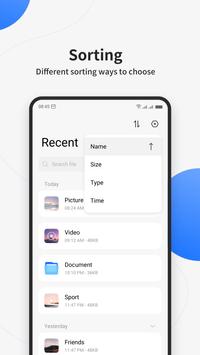

Organize and share local files
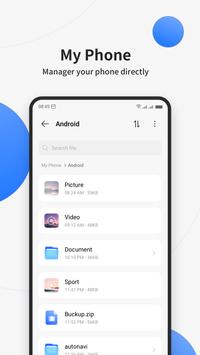
Handling local storage efficiently requires tools that organize clutter and streamline file transfers. File Manager provides a centralized system for browsing, organizing, and freeing up space on your device. Users can inspect local directory trees, locate recent items instantly, and manage structured categories for media and documents. Beyond simple navigation, it features built-in tools to extract compressed archives, clear out unnecessary system cache, and send files to nearby contacts without reliance on an active internet connection.
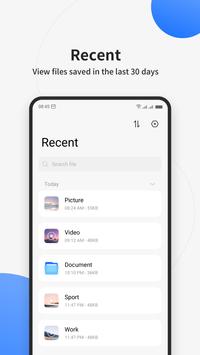
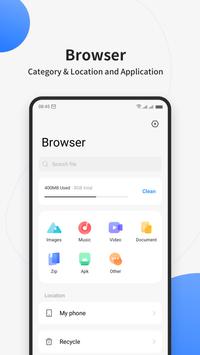
Instead of forcing users to manually dig through deeply nested subdirectories, the app automatically sorts items into distinct categories based on their format. Dedicated sections isolate music, videos, images, documents, APK installation files, and compressed archives for quick access. A specialized view displays recently modified or downloaded files right at the top, eliminating the need to search through local folders when working with newly acquired content.
The app handles standard file management actions—including moving, copying, pasting, renaming, and deleting items—with support for multi-selection to process large groups of files simultaneously. For archiving and file exchange, it features native compression tools capable of creating ZIP files as well as extracting content from existing ZIP and RAR archives without requiring third-party software.
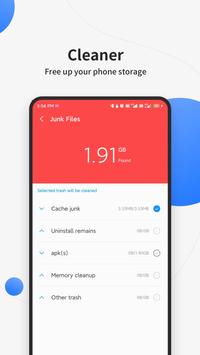
To maintain available device memory, an integrated storage cleaner scans local directories to identify and delete redundant junk files and cached data. For sharing content, the app includes Mi Drop functionality, allowing users to transfer files wirelessly to nearby devices without using mobile data or establishing an internet connection. Global search options also allow keyword queries across all connected directories to find specific files instantly.
Your comment was submitted and is awaiting moderation.
Your comment was published.
















 Freeing storage that does not fill back up in a week
 Getting the APK out of an app you already have
 Installing an APK from your computer over USB
 When you should deliberately stay on an old version