App Screenshots

Live bus tracking and route planner
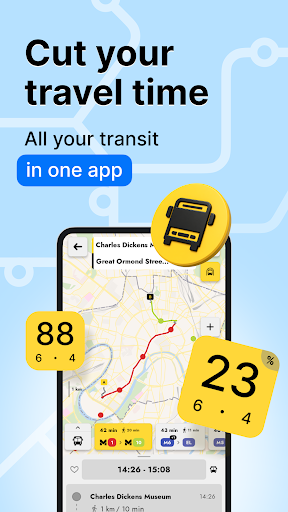
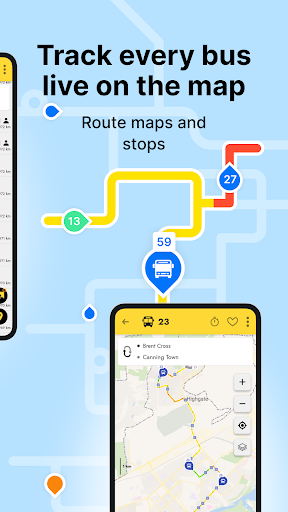
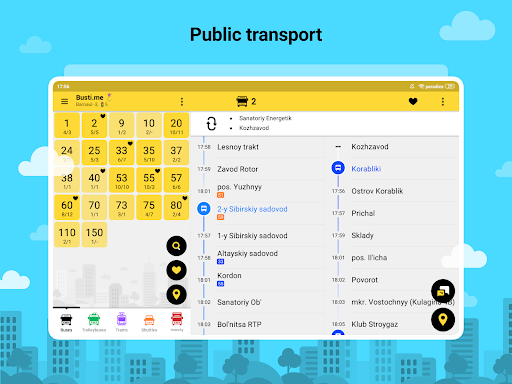
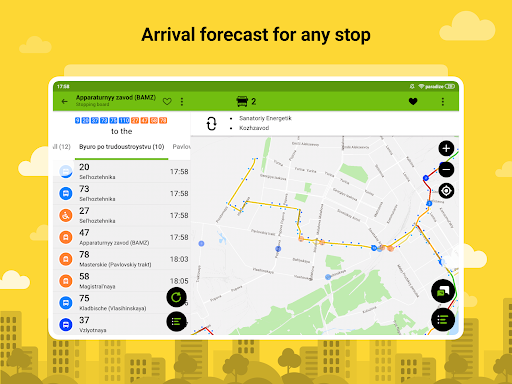
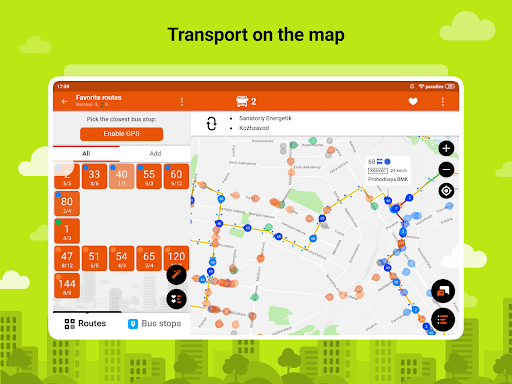
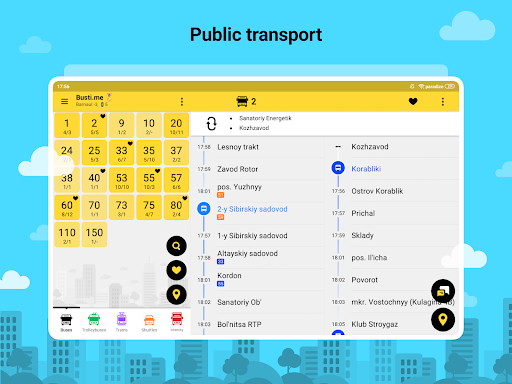
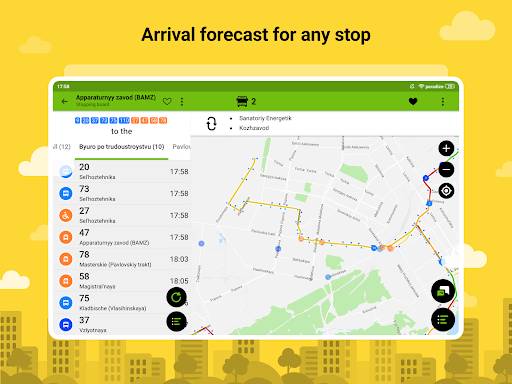
Public transit commuters can track vehicles and navigate transit networks across more than 300 cities using Bustime: Bus Times & Routes. The app processes live GPS data from buses, trams, trolleybuses, trains, and metro systems to display vehicle movements on a map alongside arrival predictions and timetables. Travelers can plan A-to-B routes featuring walking segments and transfers, backed by step-by-step guidance that adjusts automatically if a user strays from the planned path. Its built-in customization framework lets users tailor every visual detail, from color-blind accessible palettes to transit map themes and interface layouts.
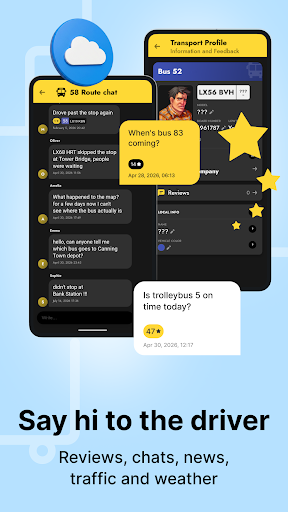
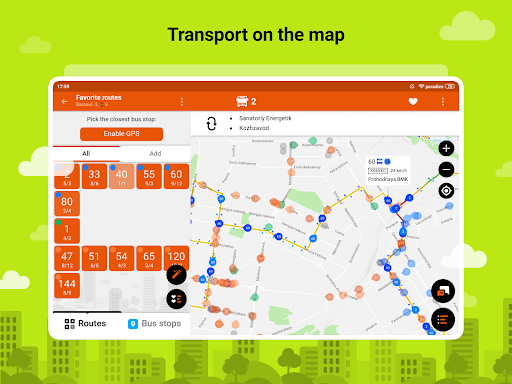
Movement data from participating transport operators appears directly on an interactive map. Passengers can inspect individual vehicle profiles to view details such as model type, license plate, operator, and low-floor accessibility indicators. Map overlays can show current traffic conditions or replay historical vehicle paths over time. Because real-time updates rely entirely on GPS feeds from local operators, live vehicle visibility varies depending on the city and service provider.
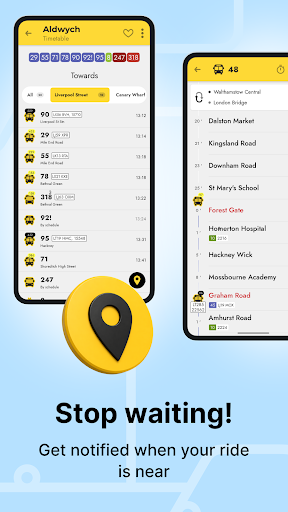
Routing tools calculate transit options using departure or arrival times, specific transit modes, custom map pins, addresses, or current device locations. Once a route is selected, guided navigation provides prompts for walking sections, boarding, transferring, and exiting vehicles. To prevent missed stops, background notifications display the active route line, remaining stops, and a countdown. Users can also trigger location-based alerts like a departure timer when heading to a stop or a proximity alarm that vibrates and sounds audio cues before a designated destination.
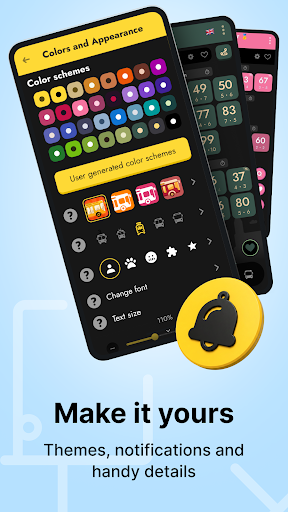
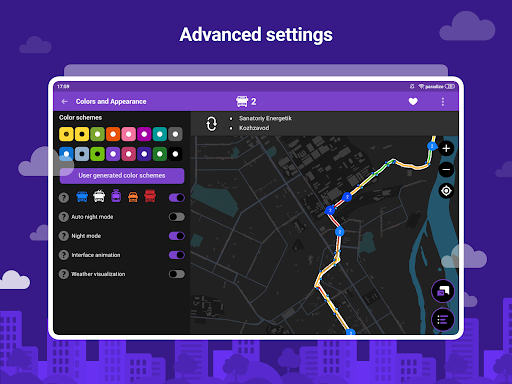
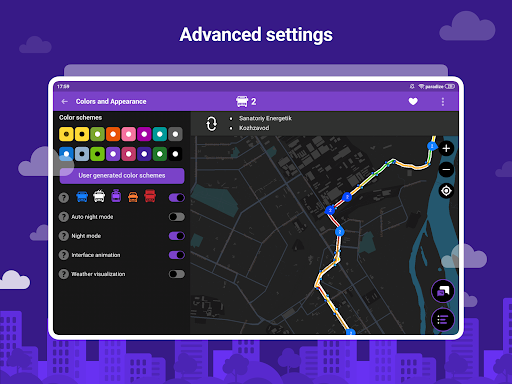
Riders can check schedules without opening the main interface by adding stop board, timetable, or action widgets to their home screen. Inside the app, visual presentation options span over 30 themes, dark mode, high-contrast settings, and specialized colorblind palettes. Users can alter interface structures by selecting floating headers, bottom bars, or navigation islands, while choosing custom app icons, map styles, and fonts. Settings configurations can also be exported and shared across devices.
For public transport operators and drivers, the app includes dedicated tools to broadcast vehicle GPS locations in the background. In this mode, drivers can view spacing intervals relative to vehicles ahead of or behind them along the route, with automated stop announcements handling passenger notifications. Accessible options include screen reader support through TalkBack, left-handed interface modes, voice announcements, and dual-script display options that show stop names in Cyrillic or Latin text when traveling in unfamiliar regions.
Your comment was submitted and is awaiting moderation.
Your comment was published.