App Screenshots
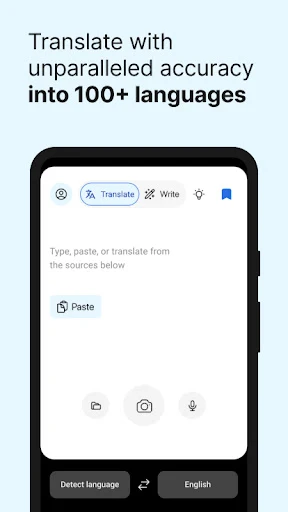
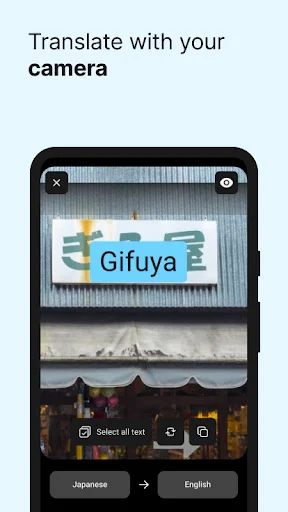

Multilingual text, voice, and image translation tool
No big news this time, but that’s only because we’ve been working hard on improving your experience:
- Fixed several bugs
- Enhanced the usability
- Planned and designed further for the future of translation
When working across multiple languages, DeepL Translate provides a practical way to convert text, spoken audio, images, and files into clear translations. It handles quick real-time inputs as you type alongside specialized media formats like camera snapshots, uploaded photos, and uploaded documents. Built-in tools allow you to adjust tone, inspect alternative phrasing, and review written text for grammatical accuracy, giving you precise control over how your translated message sounds to your audience.
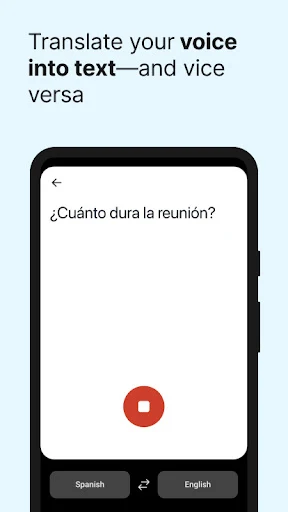
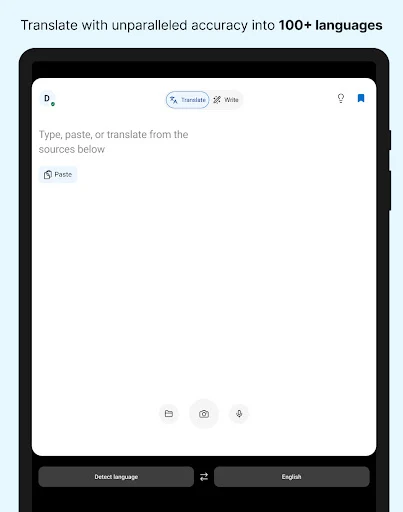
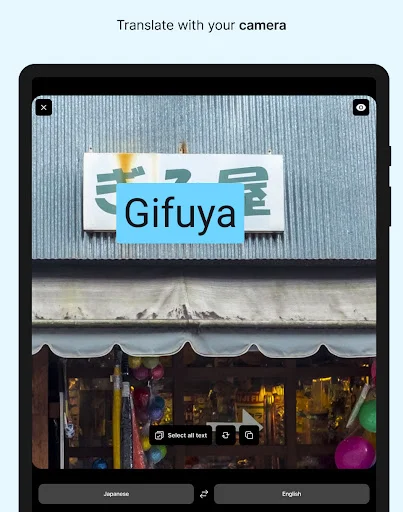
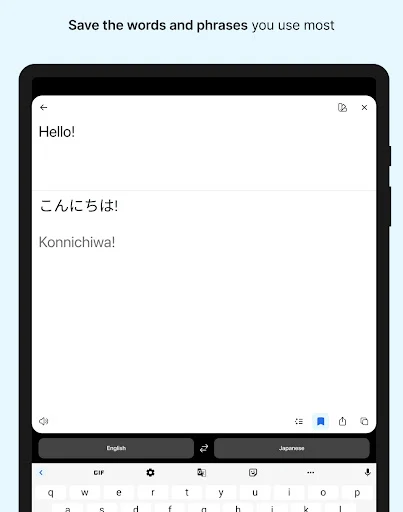
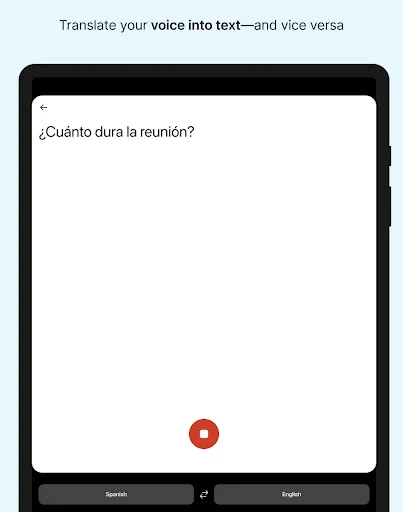
The app handles incoming text through several capture methods depending on your current workflow. You can type directly into the editor to receive quick automated detection and translation as you enter text, or use dictation to translate spoken words out loud. For visual sources, the app offers two image options: camera translation to capture and convert physical text instantly through your device lens, and photo translation to upload existing image files for text extraction. On iPad devices, you can also draw text characters manually using handwriting input.
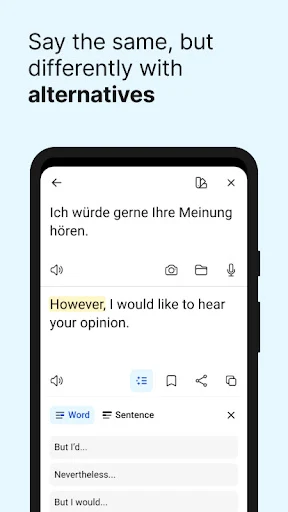
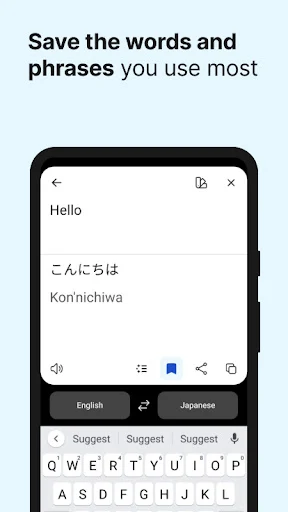
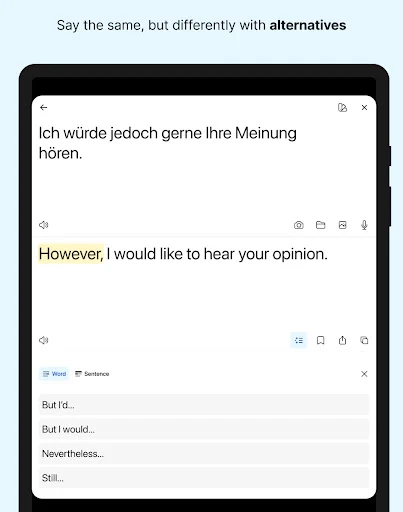
Beyond basic word replacement, the app includes tools to help refine the quality and context of your output. An alternative translations feature highlights different word choices and short phrases so you can select the precise meaning intended. If you need to adhere to specific vocabulary rules, the Glossary tool allows you to define custom translations for key terms and phrases, while a dedicated Tone setting lets you switch between formal and informal register. Access to the Glossary and Tone adjustments requires a paid plan. Additionally, a transliteration tool converts non-Latin scripts, such as Japanese or Russian, into the Latin alphabet to aid readability.
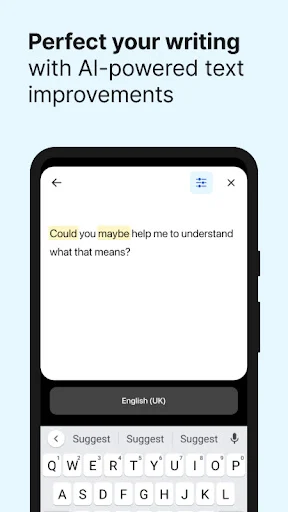
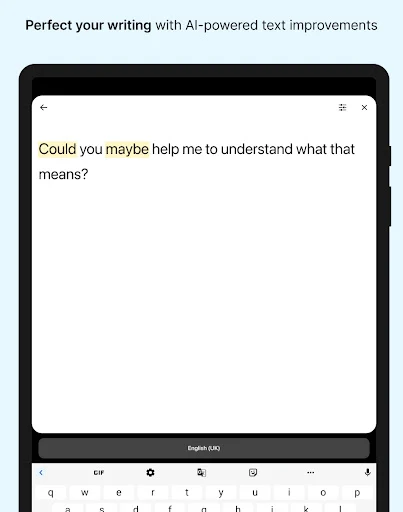
For broader writing tasks, the integrated DeepL Write tool offers intelligent writing suggestions to fix errors and improve clarity. This assistant works across a select group of languages, including Chinese (simplified and traditional), English (American and British), French, German, Italian, Japanese, Korean, Polish, Portuguese (standard and Brazilian), Russian, and Spanish.
To keep track of frequently used phrases, you can mark items as Favorites for quick retrieval later, or scroll through your History to locate, edit, and reuse previous translations. While core features are free to use, signing into a standard DeepL account or an organization’s team account via SSO grants access to expanded capabilities. Feature support varies depending on the chosen language, with full coverage across a broad roster of global scripts and regional variants.
Your comment was submitted and is awaiting moderation.
Your comment was published.