App Screenshots


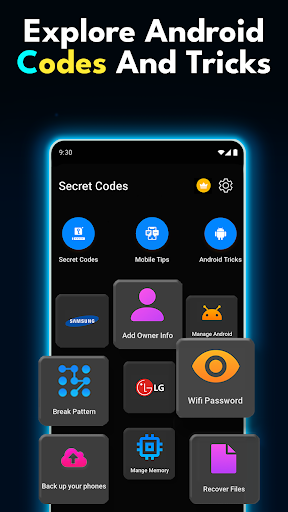

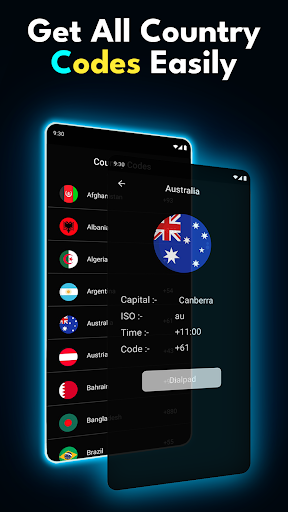

Hidden phone codes and device settings guide.
Looking up system information, running diagnostic checks, and altering advanced device configurations often requires inputting specific dialer sequences. Hacker: Secret Codes & Ciphers functions as an offline database that gathers these obscure commands into a single reference tool. Instead of searching through online forums to troubleshoot hardware issues or adjust connectivity settings, users can browse categorized lists of system dial codes, USSD strings, and hidden menu shortcuts directly within the app.
The primary purpose of the app is to store and organize hidden device codes, including standard USSD strings used for network queries and special dialer sequences for system configurations. Users can search through the catalog to find commands that reveal detailed device information, display hardware test screens, or manage connectivity options. Having these codes stored offline ensures that technicians, tech enthusiasts, and casual users can reference necessary dial commands even when an active internet connection is unavailable.
Beyond listing raw codes, the app organizes shortcuts aimed at system maintenance and hardware testing. Users looking to fix specific issues or evaluate phone components can find sequences designed to test display functionality, sensor responses, and camera operations. The utility serves as a quick reference guide for running diagnostic routines, helping users identify underlying system problems without needing specialized diagnostic hardware.
The database also includes practical tips, tricks, and feature shortcuts meant to streamline everyday device management. Users can scan through documented methods for tweaking system settings, customizing interface options, and executing administrative actions. By consolidating obscure phone tips and functional codes into one interface, the app allows users to locate specific tricks for managing device performance and accessing advanced options that are typically hidden from standard settings menus.
Your comment was submitted and is awaiting moderation.
Your comment was published.