App Screenshots
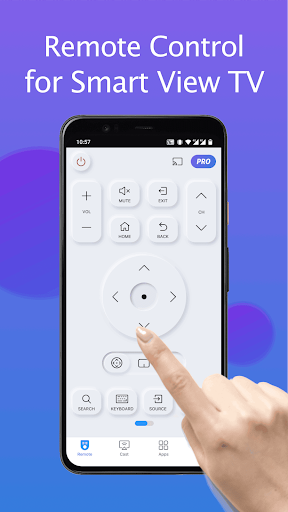
Wireless television controller
*Support new Tizen TV
*Improving Users Experience
Remote control & mirror phone screen to Samsung, manage TV apps and channels within seconds!
Cast web videos to Samsung TV
Replacing a lost or broken television controller is direct with Remote for Smart Samsung TV, a mobile application that turns your phone or tablet into a fully functional controller for Samsung Smart TVs on your home wireless network. Beyond standard button controls like power, volume, channel switching, and menu navigation, the app integrates a mobile keyboard to eliminate the frustration of typing searches letter-by-letter on a television screen using an on-screen directional pad. It also expands basic remote functionality by letting you cast local photos, videos, and web videos directly to your display, or mirror your mobile screen in high resolution.
Establishing a connection requires both your mobile device and the television to be connected to the exact same Wi-Fi network. Once you open the application, tapping the device icon in the top right corner scans the local network to generate a list of available televisions. Selecting your specific set from the list pairs the app to the TV. If connection issues occur, the documented troubleshooting steps involve confirming shared Wi-Fi access, rebooting the television, reinstalling the app, or ensuring the software is updated to its latest release.
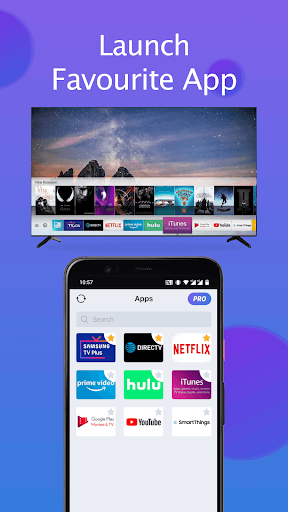
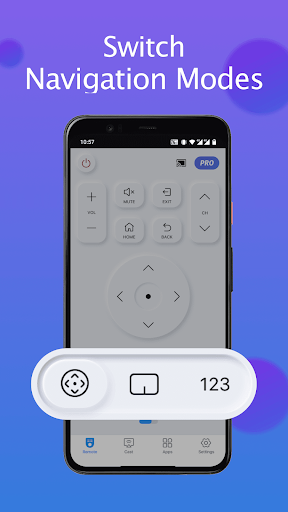
Managing software and settings on a television interface often becomes tedious with standard directional arrows. This app includes multiple navigation modes to suit different menus, alongside shortcuts that let you launch your favorite television channels and installed apps in a few taps. When searching for content inside streaming apps, the built-in mobile keyboard accepts input directly from your device’s virtual keypad, sending the complete text to the television instantly.
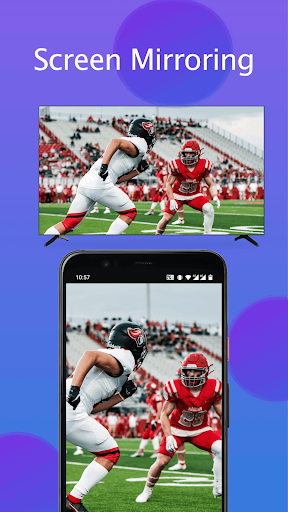
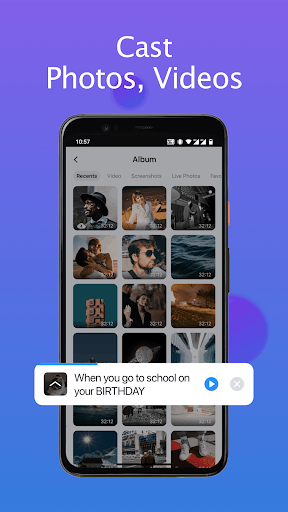
In addition to software navigation, the application provides built-in media streaming features. You can cast locally stored photos and videos from your mobile device’s storage directly to the television, or stream videos found on the web. For sharing other content, screen mirroring transmits your phone or tablet display to the television in high resolution, providing a larger viewing surface for mobile apps, documents, or photo albums.
The application is compatible with mainstream Samsung series smart TVs, including 6 series, 7 series, Curved models, and 2016 or newer K-Series Tizen models. However, because it is developed independently by BoostVision and is not an official Samsung product, hardware compatibility is limited to tested models and will not function with every single television model produced by the manufacturer.
Your comment was submitted and is awaiting moderation.
Your comment was published.