App Screenshots
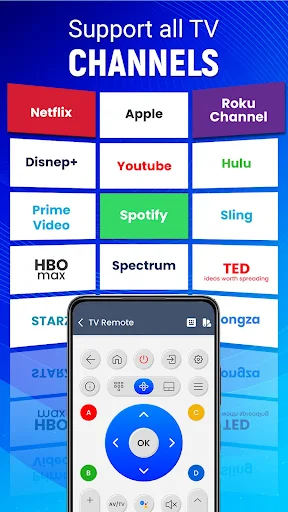
Television remote control and screen casting utility
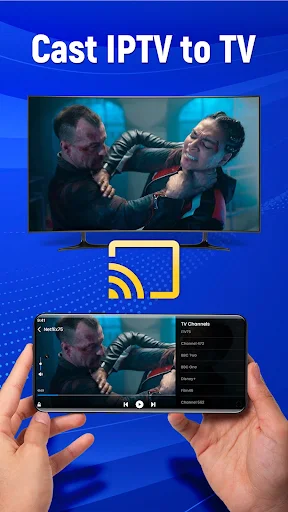
Add IPTV Channels
Add Screen Casting
Reduce Ads in all Tv remote
Android TV Connectivity issue solution provided in Tv Remote app
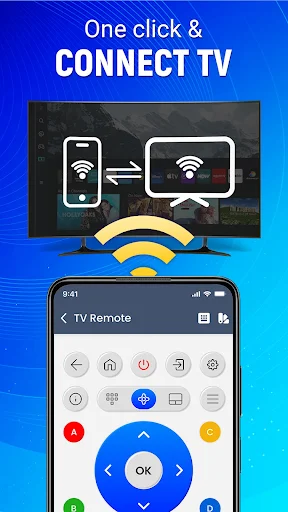
Connection in single click
Add screen mirroring in universal remote
Add Tv Remote for Roku
Add Beautiful Themes in TV Remote app
Smart tv Remote control added the support for Android
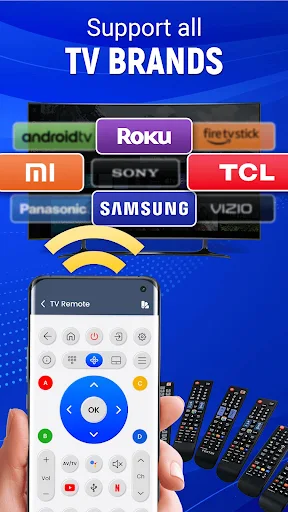
Universal Remote Supports almost all TVs
All smart tv remote control
Connectivity improved
More IR TV Models added
Crashes fixed
Overall performance enhanced
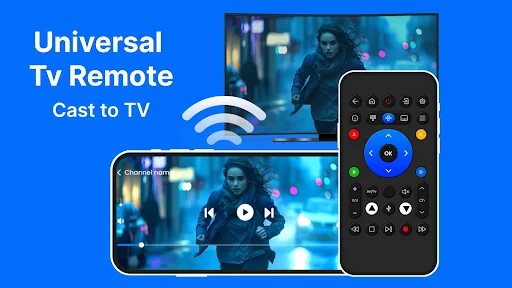
Control television functions directly from a mobile device using Universal Tv Remote-Cast to TV, an app that turns a phone into a multi-brand hardware controller. It replaces physical remotes by transmitting commands through either a built-in infrared (IR) blaster or a shared Wi-Fi network. Beyond basic channel navigation and volume adjustments, the app includes wireless screen mirroring, allowing local videos, photos, and mobile applications to display directly on a larger screen.
Establishing a connection requires matching the mobile device to the target television through a short pairing sequence. For older hardware without smart networking, the app relies on the phone’s IR transmitter to send traditional control signals. On modern smart TVs, commands are sent wirelessly over Wi-Fi, enabling the app to handle input switching, source selection, and audio levels across multiple television brands within the same interface.
The app provides several input methods depending on user preference and media type. Standard button layouts handle frequent tasks like channel surfing and menu navigation, while integrated gesture controls allow users to tap and swipe to move through menus faster. For hands-free operation, built-in voice commands accept vocal instructions to manage basic television functions without manually pressing buttons on the screen.
In addition to standard remote operations, the app features a dedicated casting mode that mirrors the mobile display onto the connected television. This function streams local media—including stored photos and personal video files—without requiring external cable attachments. It also allows mobile applications to project onto the display, bridging phone content with the primary home screen.
Your comment was submitted and is awaiting moderation.
Your comment was published.