App Screenshots
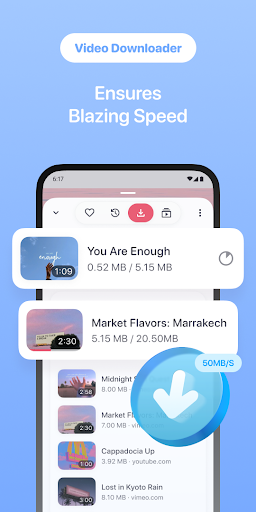
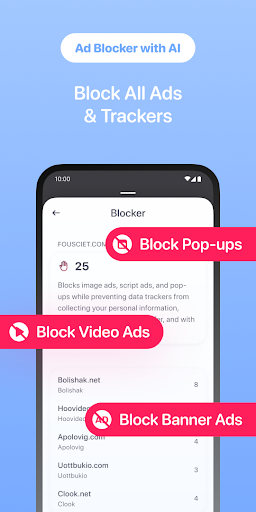
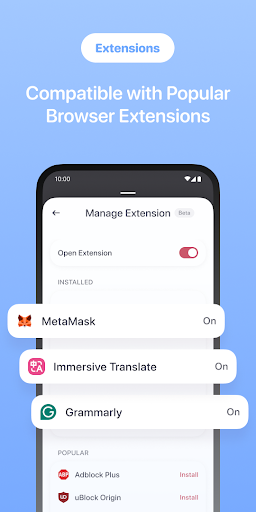
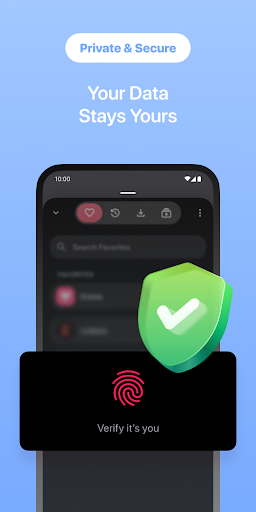

Private browser with video downloader.
What’s New
• Chromium: Updated to version 154.0.8037.127
• Tab Sync: Sync tabs across devices and access your open pages anytime
• Start Page: Organize shortcuts into groups and hide the Quetta logo for a cleaner look
Stability
Fixed known issues and improved overall reliability
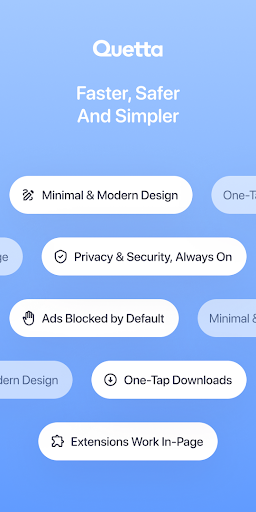
Quetta – Video Private Browser is a Chromium-based mobile application designed for privacy-conscious users who want built-in media controls and extensive browser customization. The app lets you download video files from supported websites, manage those media files locally, and interact with web pages using desktop extensions sourced directly from the Chrome Web Store and Edge Add-ons. It provides defensive privacy tools out of the box, including automated ad blocking, anti-tracking routines, and device fingerprint protection to streamline page loads and secure online activity.
Instead of relying on third-party site tools to save web media, this app includes an integrated download manager that captures video content directly from sites where downloading is permitted. Once files are saved, you can watch them directly within the built-in media interface. The internal video player supports direct gesture controls, allowing you to adjust screen brightness and volume by sliding your finger across the display while media is playing. File availability depends on individual website permissions and terms of service.
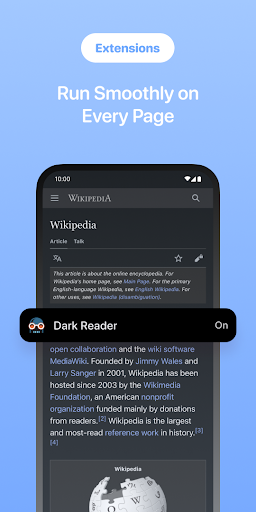
To match desktop browser workflows, the app allows you to install and run third-party extensions directly on your mobile device. You can navigate to either the Chrome Web Store or Microsoft Edge Add-ons catalog to add your preferred productivity tools, security utilities, and customized site scripts. This feature lets you manage add-ons from a single mobile management screen without needing a desktop setup.
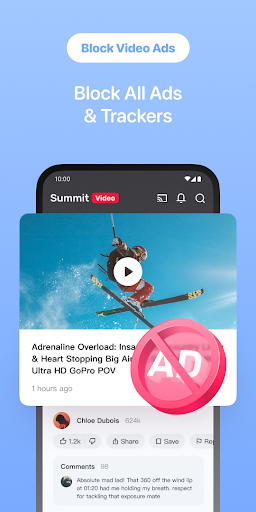
The browser enforces privacy controls automatically without requiring initial setup. Intrusive display ads and unexpected pop-up windows are blocked by default to reduce data usage and speed up page load times. Behind the scenes, smart anti-tracking technology blocks known tracking scripts, while fingerprint protection actively masks device parameters so external websites cannot compile unique profiles of your browsing hardware.
Because the application is built on the Chromium framework, it maintains broad compatibility with modern web standards and renders complex pages quickly. For advanced users and web developers, it includes access to DevTools to inspect page elements, review scripts, and debug mobile layouts. The overall navigation structure remains straightforward, featuring adjustable layouts where you can reconfigure toolbar items and shift the address bar to the top or bottom of the screen to fit your preferred hand grip.
Your comment was submitted and is awaiting moderation.
Your comment was published.