App Screenshots


Rewards and account management portal
Updates bring a more personalized Services tab, clearer bill details, and improved search.
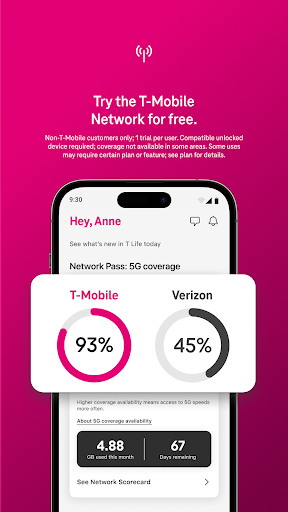
For T-Mobile customers, T-Life acts as a central hub that combines weekly promotional rewards with standard mobile account management tools. The app lets users claim weekly freebies, save third-party discounts, enter prize drawings, and handle routine carrier tasks like paying bills or tracking data usage. Beyond basic account and perk features, it integrates setup tools for Home Internet hardware and security controls through Scam Shield, bringing everyday utility and weekly offers into a single interface.
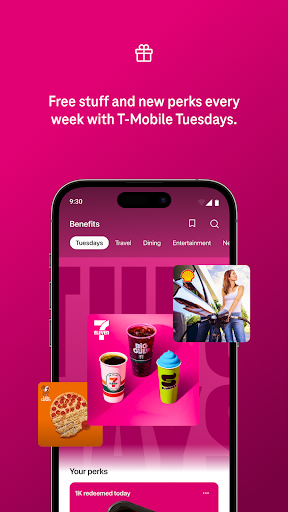
The primary draw for many users is the weekly Tuesday rewards hub, accessible via the Status tab or the Benefits section within the app interface. Eligible customers can view temporary promotions, including food discounts, shopping deals, entertainment perks, and prize entries. Each reward listing includes a countdown timer detailing when the deal expires. Because certain redemption codes remain active for only short windows—sometimes expiring within two minutes of activation—users need to review the specific terms before tapping the button to redeem a perk.
To help manage multiple promotions at once, the app includes a save feature that transfers offers into a designated My Stuff section, marked by a gift icon. Storing deals here allows users to keep track of partner discounts for later use at restaurants, retail stores, or websites without triggering short-lived redemption timers prematurely. However, saving an offer does not pause its overall expiration deadline, meaning saved items will still disappear if not used before the documented cut-off time.
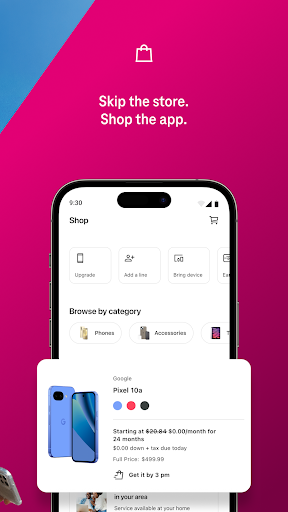
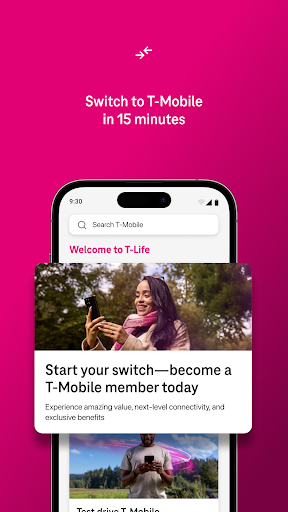
Alongside weekly promotions, the app provides tools for everyday carrier account maintenance. Users can view active data usage, pay monthly bills, compare rate plans, and explore device upgrades or switching options directly within the layout. This eliminates the need to rely on separate applications for basic account administration.
For customers using T-Mobile Home Internet, the app assists with the initial equipment setup and network monitoring. It also incorporates Scam Shield tools, giving users access to security features designed to manage call protection and block unwanted spam directly from the same portal.
Your comment was submitted and is awaiting moderation.
Your comment was published.