App Screenshots

Ride service tool for registered drivers
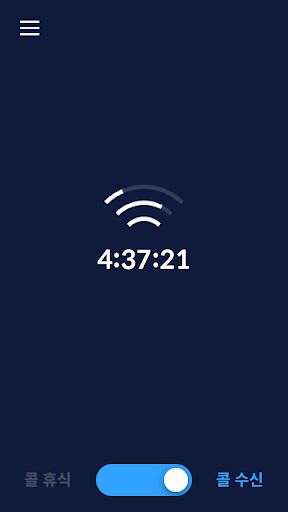
타다 드라이버 (TADA Driver) serves as the official mobile app for registered drivers operating across the various Tada service lines, including Tada Next, Tada Lite corporate and private, and Tada Plus. Designed to manage day-to-day driving operations, the app enables drivers to shift between active duty and break modes to receive ride requests, navigate accurately to pick-up locations and destinations, calculate fares based on route tracking, and evaluate passengers after completing a trip.
To begin working, drivers must log in using an issued driver ID following their official registration. Once logged in, switching the app status from Rest to Business mode allows the platform to send incoming passenger dispatch calls. Drivers can review their completed trips at any time, browsing through an overall operation history list or examining specific ride details for individual trips.
After dropping off a passenger at their destination, drivers have the ability to submit a post-trip evaluation of the passenger. These ratings are recorded confidentially within the system to maintain service standards and are never disclosed directly to the passengers.
To ensure precise route calculation, accurate fare estimation, and uninterrupted communication during a shift, the app relies on specific device settings. Drivers must enable high-accuracy GPS tracking and allow foreground service permissions so the system can continuously track the vehicle along its route. Additionally, phone access is required to contact passengers directly or manage call history, while drawing over other apps, notification access, sound alerts, and unmanaged background usage permissions must be enabled to prevent performance issues while navigating on duty.
Your comment was submitted and is awaiting moderation.
Your comment was published.