App Screenshots

AI video and audio editor
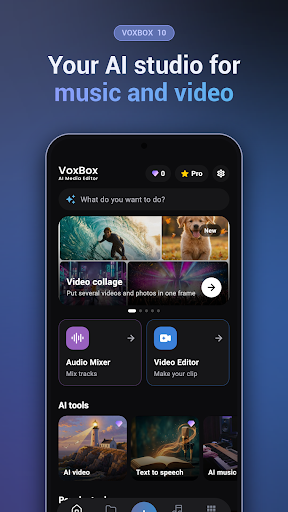
Combining multi-track editing with generative media tools, VoxBox AI Video & Audio Editor functions as a unified environment for creating and refining audio-visual content. Creators can generate original video clips and sound design from text prompts or base images, convert written scripts into natural-sounding voiceovers across multiple languages, and build full musical tracks. Beyond generation, the app handles precise post-production workflows—ranging from multi-layer video timeline editing and automated transcriptions to vocal isolation, stem splitting, and noise removal from audio tracks.
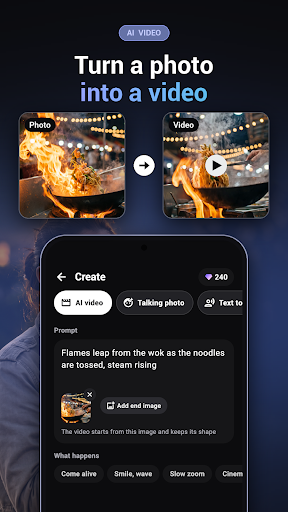
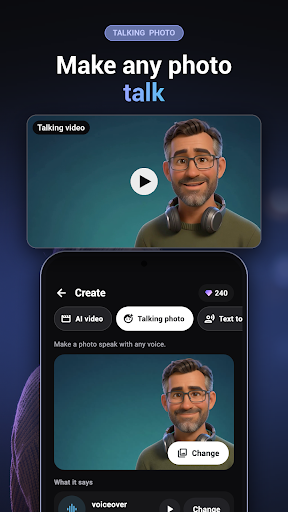
The app features dedicated generation tools designed to turn text and image inputs into finished media. Users can transform written prompts or uploaded photos into animated video clips, or apply the talking photo tool to animate a static image with recorded or typed speech. For audio creation, the app generates custom background music tailored to specific styles and lengths, synthesizes full songs with singing from brief text prompts, and builds custom sound effects based on written descriptions.
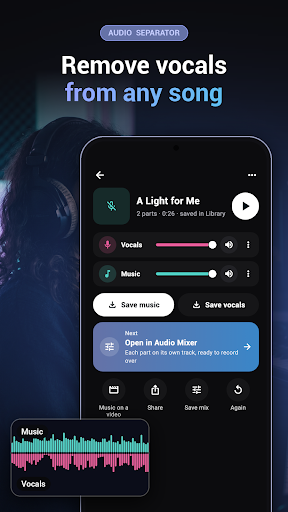
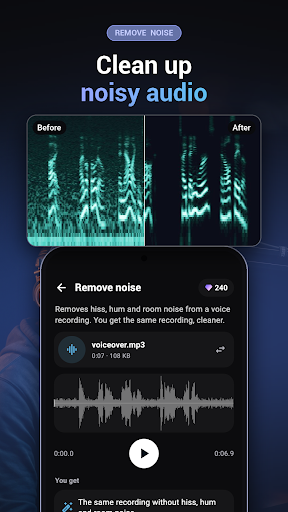
For sound isolation and cleanup, the platform includes automated audio processing features. The vocal remover isolates or strips singing from any audio file, while the stem splitter separates songs into individual tracks for drums, bass, vocals, and other instruments so they can be mixed independently. A dedicated noise remover targets background distractions like wind, hiss, hum, and room echo in podcasts or video dialogue. Additionally, the toolset includes a text-to-speech engine, a speech-to-text transcriber, an immediate voice recorder, and pitch and voice-altering effects.
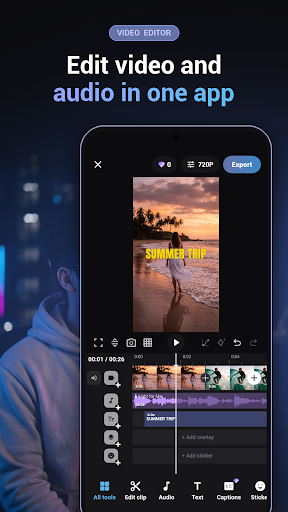
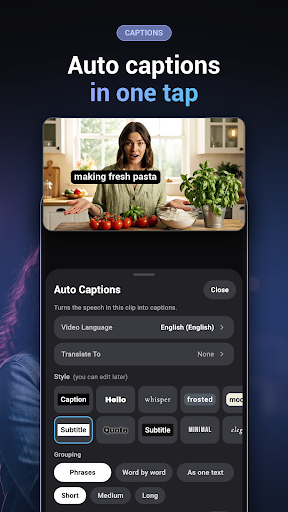
Video editing takes place on a multi-layer timeline that supports trimming, cropping, splitting, and combining clips. Editors can apply visual filters, color adjustments, keyframe animations, green screen background removal, and video collages to merge multiple clips into a single frame. The platform also automates time-consuming localization tasks through single-tap automatic captioning—complete with custom caption styles and translation options—and AI video dubbing to re-voice content in different languages. Audio from imported videos can also be extracted directly to separate audio files.
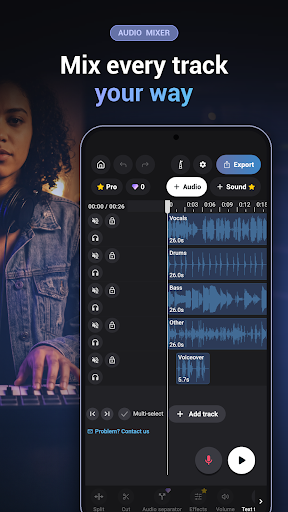
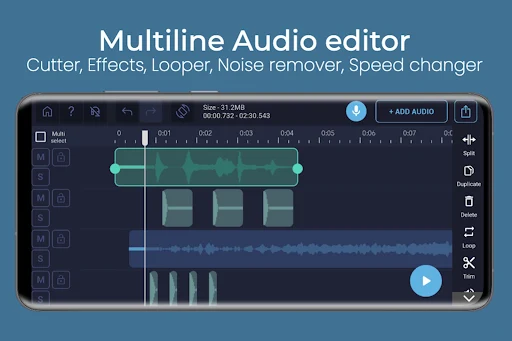
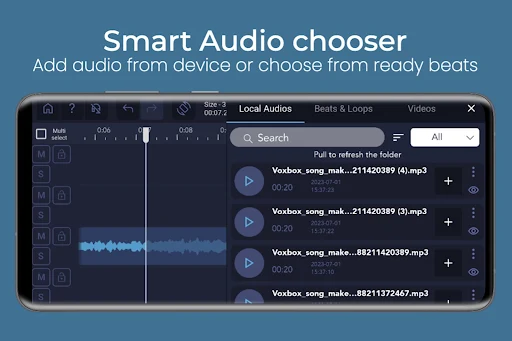
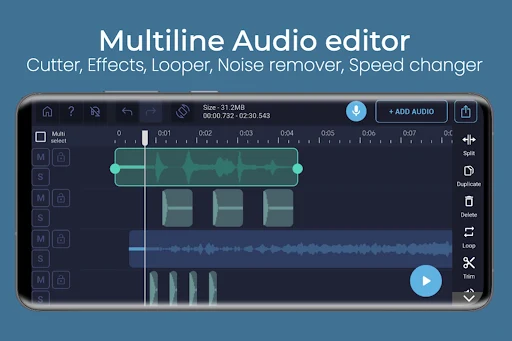
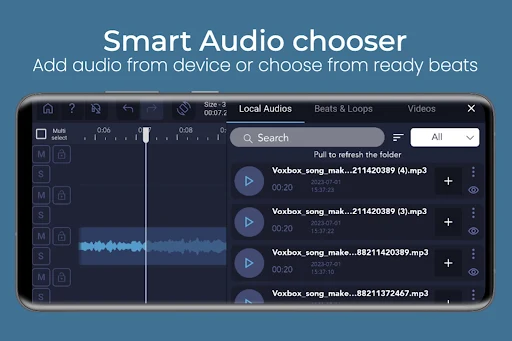
The built-in multitrack audio mixer acts as a workstation for layering sound files, voiceovers, and background music. Each track provides individual controls for volume, panning, equalizer adjustments, speed modification, reverb, and echo. Users can trim MP3 files, join multiple audio recordings, apply volume boosting, or reverse playback. For rhythm track creation, an integrated drum pad and beat maker allows creators to play beats, record performances, and map custom sounds directly to trigger pads.
Your comment was submitted and is awaiting moderation.
Your comment was published.