App Screenshots



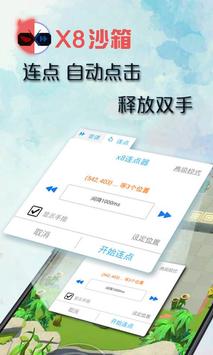


Virtual system tool for running dual environments
1.修复已知问题
更新后短时卡顿是正常现象
Virtual environment utilities allow users to isolate applications, run secondary instances, and manage software behaviors inside a secure, controlled space. X8沙箱 serves as a specialized sandbox app designed to run tools and software within a self-contained virtual platform. By creating an isolated environment on your device, it enables seamless execution of secondary tasks and software while minimizing system conflicts and maintaining proper performance across a wide range of external applications.
The primary capability of X8沙箱 is providing a dedicated sandbox environment that functions independently from the underlying main system. Within this virtualized area, users can install, run, and evaluate tools without letting their data or operational parameters interact directly with the core system. This isolated operating setup protects main system settings and allows software to run continuously inside its own isolated context.
Running complex tools inside a virtualized platform often introduces technical friction with device hardware interfaces. Recent functional refinements to X8沙箱 focus directly on fixing internal audio recording issues to ensure clear voice input and sound capture within the sandbox. These technical updates also resolve underlying system bugs, expand stability across a broader selection of software, and reduce overall operational crashes during long sessions.
When updating or reconfiguring the environment, X8沙箱 may experience brief moments of performance lag or temporary stuttering immediately after the initial launch. This short-term delay is a normal part of the internal initialization process as the virtual engine rebuilds its system caches and re-indexes installed software components. Once this initial setup phase completes, the environment stabilizes and resumes standard operational speeds.
Your comment was submitted and is awaiting moderation.
Your comment was published.