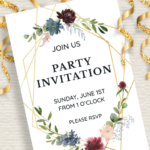
App Screenshots
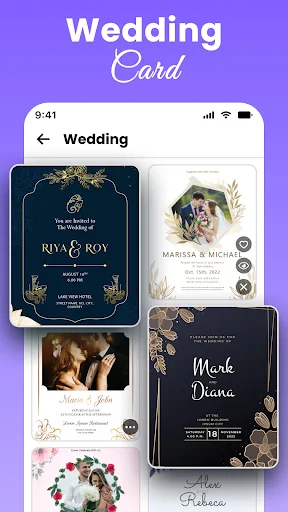
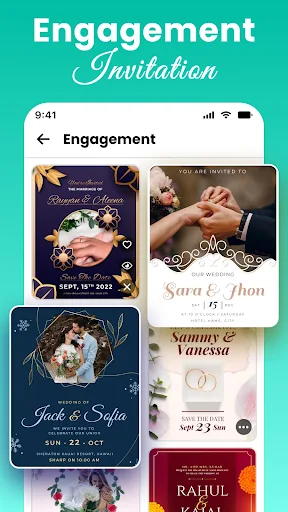
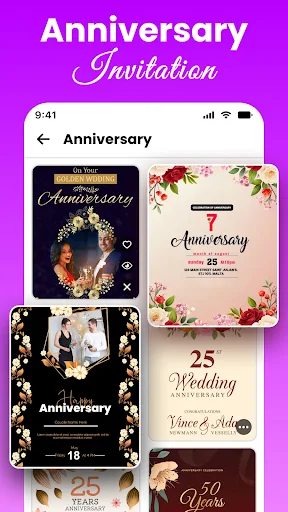
Custom invitation card and event template designer
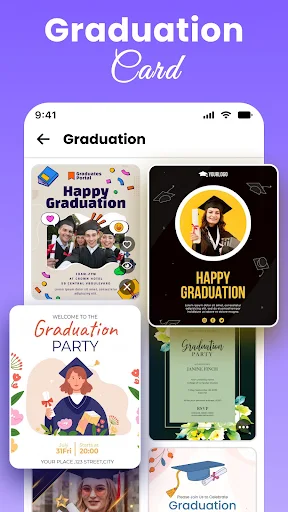
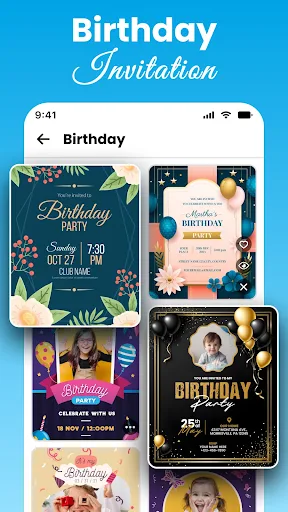
Designing custom event graphics often requires balancing layout elements, typography, and personal media. All Invitation Card Maker App is an app designed to simplify this process by providing structured templates for events such as birthdays, engagements, traditional and contemporary weddings like Indian Shadi celebrations, and general parties. Users can pick a layout, insert personal details and photos, tweak visual attributes, and either share the final design digitally or export it as a PDF for printing.
The process begins by selecting a specific event category within the app. It provides over 1000 pre-made templates tailored to different occasions, including Save The Date cards, baby showers, holiday gatherings like Christmas parties, and formal wedding announcements. Each layout comes with preset text fields and graphic arrangements that serve as a visual baseline, allowing users to build a complete invitation without starting from a blank canvas.
Once a template is loaded, the app provides tools to modify all text elements to fit the event’s specific requirements. Users can enter primary details such as the event date, venue, host names, and RSVP information. To match the tone of the event, the text can be adjusted using different font styles and color palettes.
For personalized designs, the app supports image uploads directly onto the card canvas. This feature allows users to feature photos of the couple for wedding and engagement invites, or the celebrated individual for birthday cards. Additionally, users can choose built-in background designs or supplement their layout with graphical stickers and emojis to add decorative elements to the final card.
After completing the design, the app offers dual paths for sharing the finished card. Users can send their invitations directly to friends and family through digital channels, or save the project as a high-quality PDF file, which preserves the design layout for physical printing.
Your comment was submitted and is awaiting moderation.
Your comment was published.