App Screenshots
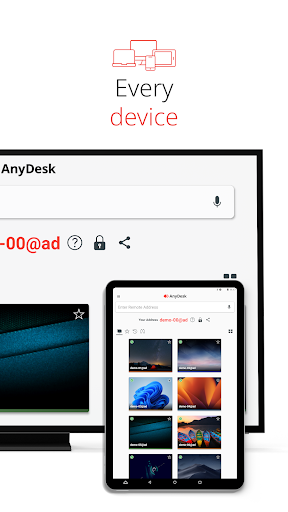

Remote desktop access tool
New Features
* Support for new plugins.
* Language can now also be changed in-app on Android 13 and higher.
* Improved and harmonized focus indication.
* AD-One: Improved layouts for small screens.
* AD-One: Improved input handling.
Fixed Bugs
* Fixed online states still being visible after disabling them in the settings.
* Minor UX fixes.
* Improved stability.
* Assembly: Fixed crash when setting user image.
* AD-One: Fixed speed dial items scrolling to top when closing context menu.
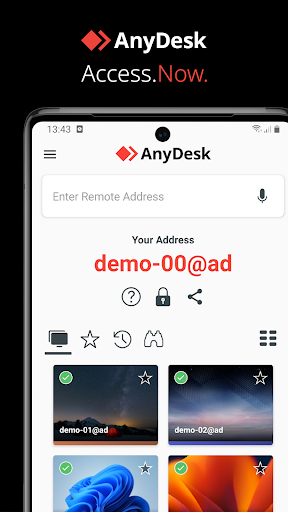
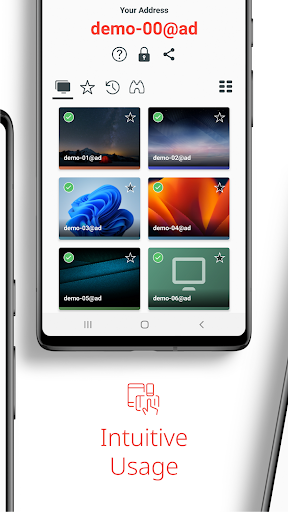
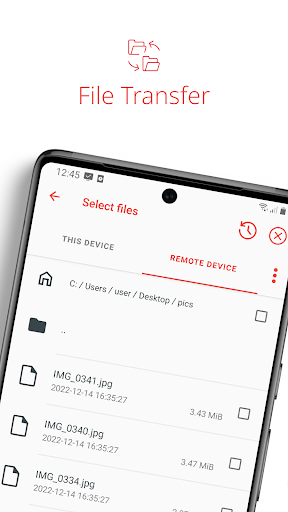
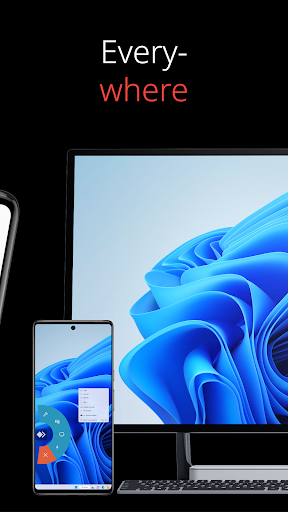
Managing another computer remotely requires a fast, direct connection for screen control and system operations. AnyDesk Remote Desktop connects two devices across local networks or the internet using a unique ID generated on the target device. Once the remote user grants permission, you can view their desktop in real time, take control of the input controls, and run administrative tasks. Beyond raw screen sharing, the software integrates direct file transfers, remote printing capabilities, and Wake-On-LAN to boot up sleeping machines over the network.
In addition to standard screen viewing, the app includes a dedicated VPN feature. This creates a secure, private network tunnel between the local client and the remote endpoint. While this virtual network does not grant direct access to other third-party devices on the remote client’s physical local network, it enables point-to-point network software running between the two connected systems. For example, technical administrators can launch an SSH session over the established VPN connection, and users can set up virtual local area network connection modes for LAN-based multiplayer games over the internet.
Usage terms depend on your intended environment. The software operates completely ad-free and remains free of charge for non-commercial, personal use, such as helping a family member fix a machine or accessing a home device while studying remotely. However, using the app for commercial purposes—such as providing enterprise IT assistance, running a commercial helpdesk, or connecting to corporate infrastructure for work—requires purchasing a commercial license from the developer.
Your comment was submitted and is awaiting moderation.
Your comment was published.