App Screenshots
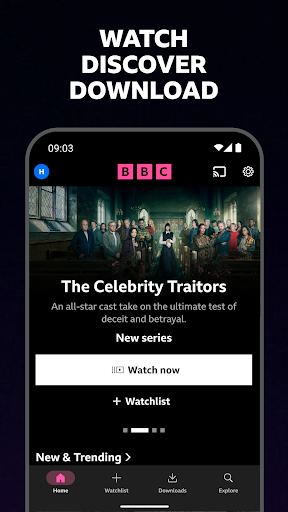
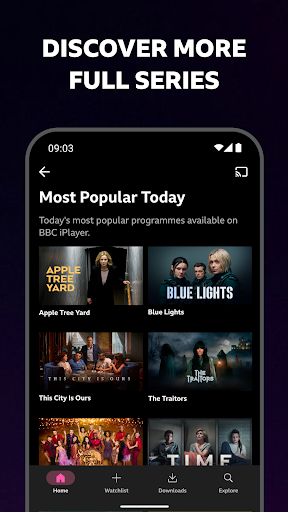
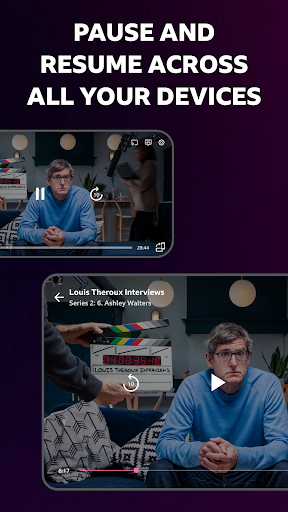
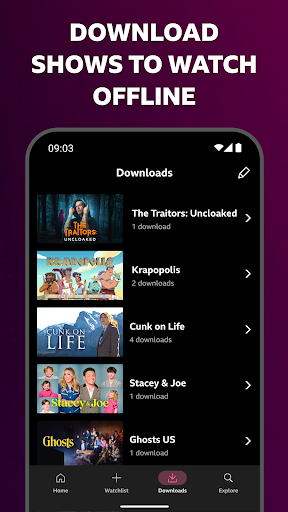
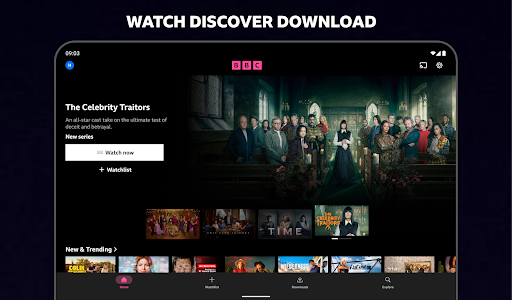

Live television and on demand streaming
BBC iPlayer turns mobile devices into portable screens for watching live broadcasts and on-demand television from the BBC across the UK. It solves the problem of rigid broadcast schedules by providing live channels with full playback controls—allowing viewers to pause, restart, or rewind live shows—alongside a catalog of recent series, films, and documentaries. With options to set up child-specific profiles, stream directly to a television, or download select shows for offline viewing, it serves as a complete central hub for catching up on recent broadcasts or managing daily entertainment on the go.
Watching live broadcasts does not require sitting through missed openings or waiting for an episode to end before starting over. The live interface includes playback controls to pause a stream when interrupted, restart a ongoing show from the beginning, or perform a short rewind to catch missed dialogue. Channel pages feature an On Now section to drop into current broadcasts immediately, alongside a schedule browser sorted by day. This day-by-day view makes it simple to locate a programme that aired earlier in the week and launch it with full restart capabilities.
The home feed organizes the catalogue into clear category hubs for Drama, Comedy, Documentaries, and Films, supported by Featured and Popular rows. The search tool accepts title queries to bring up series pages and recent episodes, while category and channel filters help narrow down selections by genre. When signed into an account, watch histories and the My Programmes watchlist sync across devices. This allows a viewer to begin watching an episode on a phone during a commute and seamlessly pick up from the exact same spot on a tablet or a television using a compatible Google Chromecast device later in the evening.
To accommodate travel or areas with poor connection, selected titles can be downloaded directly to local device storage. Tapping the download option on a programme card saves the file for offline playback without an active data connection. Download availability depends on specific programme rights, and saved files may carry expiration limits that require a connection refresh before taking a trip. Managing storage space is advisable when saving multiple series, and using a Wi-Fi connection for downloads helps prevent unnecessary mobile data usage.
Account management includes the option to create dedicated child profiles, which filter the available library down to age-appropriate content. These profiles highlight programming specifically from the CBBC and CBeebies services, isolating younger viewers from adult dramas or mature documentaries while keeping their watch histories separate from the main account.
Your comment was submitted and is awaiting moderation.
Your comment was published.