App Screenshots
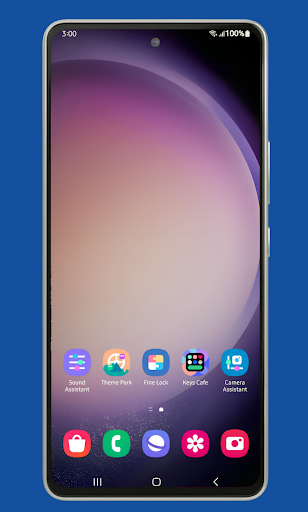
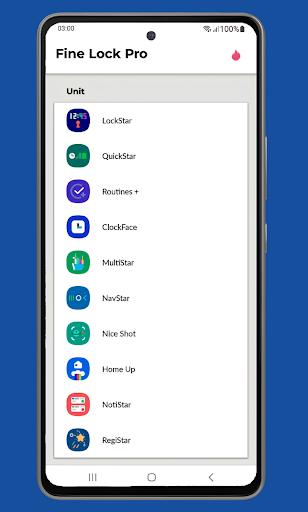
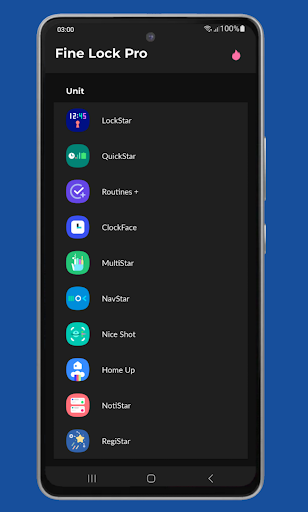

Unified launcher for Samsung customization modules
Various bug fixes.
Navigating Samsung customizability can be confusing when regional restrictions block access to official tools. Fine Lock (only for Samsung) acts as a unified launcher for Good Lock and Good Guardians modules on Samsung devices running official One UI. By consolidating installed device-care and UI-tuning tools into a single view, it eliminates the need to dig through system menus. For users in unsupported markets, the app provides direct guidance to trusted APKMirror sources so compatible modules can be acquired manually and launched without regional barriers.
Instead of managing separate shortcuts or searching through system menus, the app brings all supported Good Lock and Good Guardians tools into a single list. Users can tap any listed module to immediately trigger its features within the officially installed Samsung application. This creates a streamlined workflow when frequently adjusting interface elements, monitoring performance tools, or switching between customization setups.
The launcher is designed specifically for Samsung hardware running official One UI, with explicit limitations: standard Android-based ROMs and non-Samsung devices are not supported, while One UI Core hardware only supports select modules. Because store policies prevent automatic downloading, the app relies on manual installations. When a specific tool is unavailable in the local Galaxy Store, direct links help users locate compatible module builds on APKMirror matched to their device’s One UI version.
Users who upgrade to the PRO feature set gain additional options to reduce manual maintenance. Long-pressing a module within the app creates a dedicated home screen shortcut for immediate access to frequently used customization tools. Additionally, a background update check option periodically scans for newer module versions, notifying users when updates are available so their modules remain functional without manual daily checks.
Your comment was submitted and is awaiting moderation.
Your comment was published.