App Screenshots
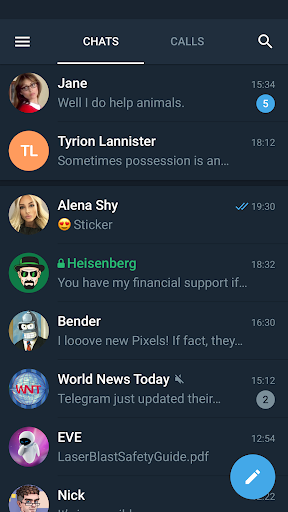

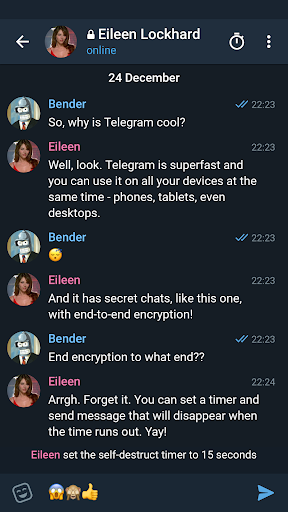
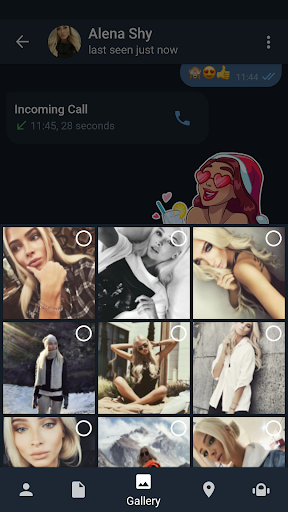
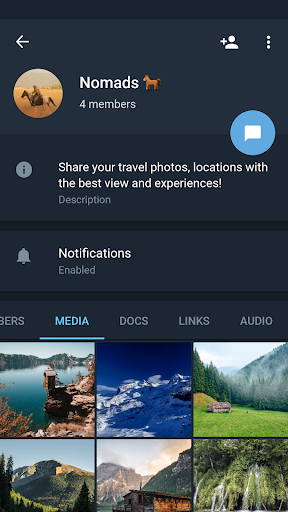

Alternative messaging client with optimized performance
Telegram X provides an alternative way to access your Telegram account, built on the TDLib framework to deliver faster message loading, seamless scrolling, and polished interface animations. Designed as an official client, it supports all standard account data, including your existing cloud chats, channels, media, and voice or video calls. It also serves as a testing ground for experimental features, giving users early access to unique interface tweaks and settings options before they roll out to the primary Telegram application.
Under the hood, the app leverages TDLib optimizations to process incoming data quickly, which helps long chat histories scroll smoothly and reduces delays when opening busy channels or group conversations. Switching between active threads, viewing shared media, and navigating search results feel more immediate. Complementing this backend speed, fluid visual transitions across the interface reduce visual jank during everyday actions, such as expanding photos, jumping into channel comment sections, or checking pinned messages. While device capabilities and background system settings can influence overall responsiveness, keeping the software updated helps maintain this snappy feel.
Beyond performance tweaks, the client acts as a platform for features that are still in development. Users who opt to use it can test fresh setting options, experimental media behaviors, and interface adjustments ahead of the standard app releases. Because these features are undergoing active testing, individual experimental options may occasionally misbehave, alter their functionality, or disappear in subsequent updates. If a specific test feature causes issues, users can disable the setting in the menu, restart the application, or wait for a future update to resolve the bug while keeping their full channel and chat history intact.
Your comment was submitted and is awaiting moderation.
Your comment was published.