App Screenshots

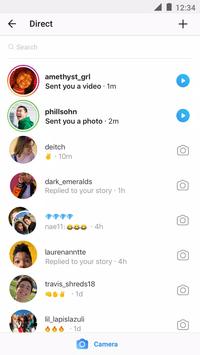
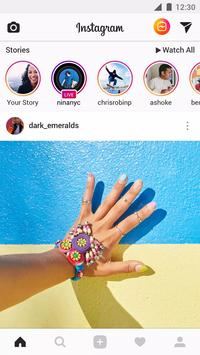

Social media manager with direct media saving.
Maintaining a traditional Instagram-style feed layout, InstaPro expands what users can do with media and account controls by introducing integrated media saving. Rather than relying on third-party download websites or copying links, this app places direct saving options inside the viewing screens for photos, videos, Reels, and Stories. Alongside offline media collection, it offers granular privacy controls for hiding user activity, options for high-resolution content publishing, post scheduling, and basic customization features like dark themes and text translation.
Instead of copying URLs into external tools to keep a reference video or photo, users can save content directly from within the viewing screen. InstaPro adds a download button directly to posts, Reels, IGTV videos, and Stories. When selected, the app downloads the media directly to the device gallery and can prompt for a target folder, helping keep saved clips and images separate from standard camera uploads. Because high-definition videos can quickly consume storage space, managing saved folders and clearing cached data within the app settings is a practical requirement.
The privacy area within the app settings includes Ghost Mode, which lets users manage their interaction visibility on an individual basis. Instead of applying a single broad privacy rule, users can toggle specific visibility markers on or off independently. This allows a user to hide their online status, suppress typing indicators in direct messages, disable read receipts, or watch Stories anonymously without triggering a view notification. Because these functions rely on external server responses, their performance depends on how the underlying service processes user data.
For creators and active accounts, the app provides specific publishing settings before content goes live. Users can enable an high-quality upload setting to prevent automatic file compression from degrading detail in photos, artwork, or edited video clips. Additionally, a post scheduling function allows users to set a planned publishing time, making it possible to prepare content ahead of time rather than sharing it manually.
Beyond media handling and privacy, the app builds in secondary account management and interface features. It supports multi-account switching, app locking for extra access security, and cache management tools to free up device space. Users can also enable dark themes, zoom into profile pictures, and use built-in text translation for inline comments and captions.
Your comment was submitted and is awaiting moderation.
Your comment was published.