App Screenshots
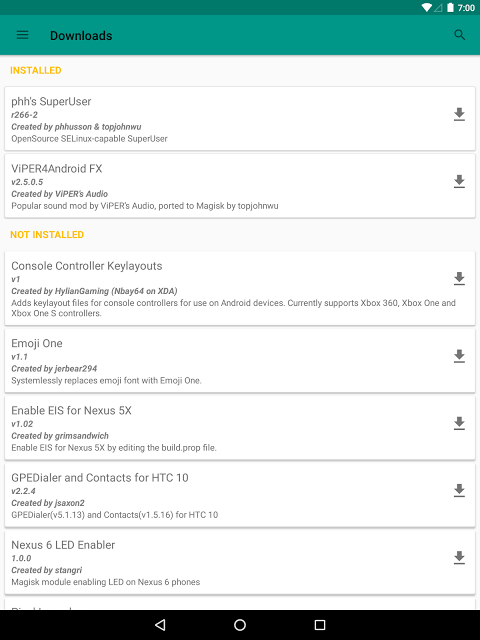

Root and system modification manager
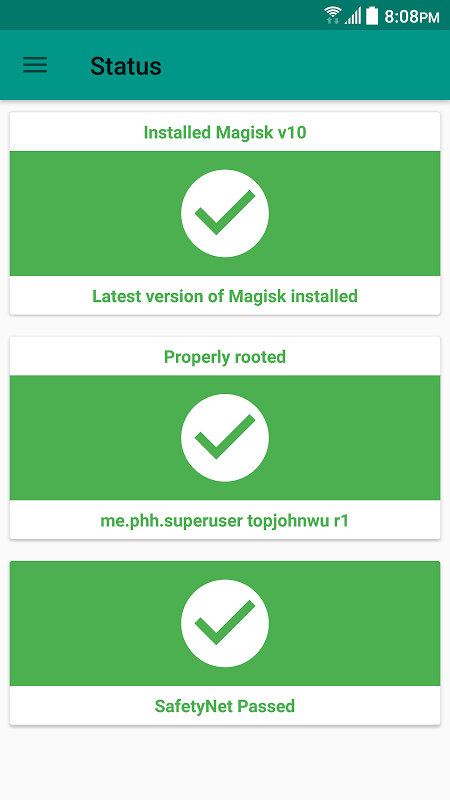
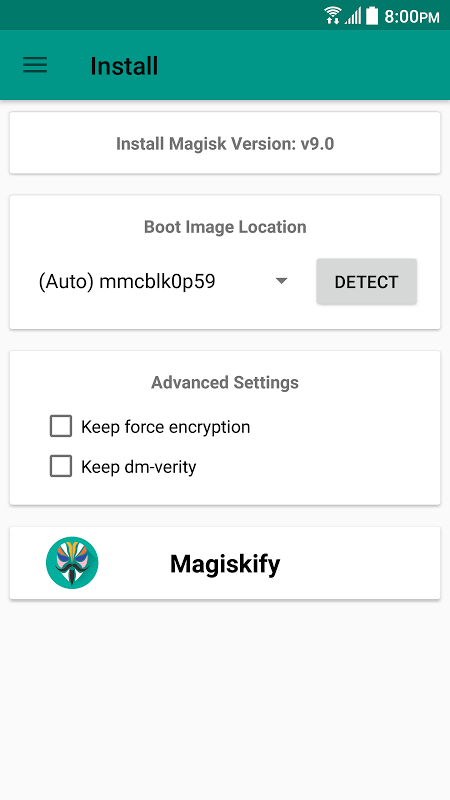
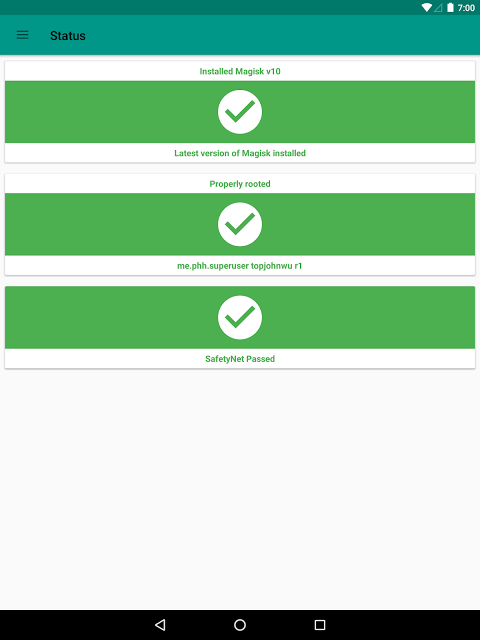
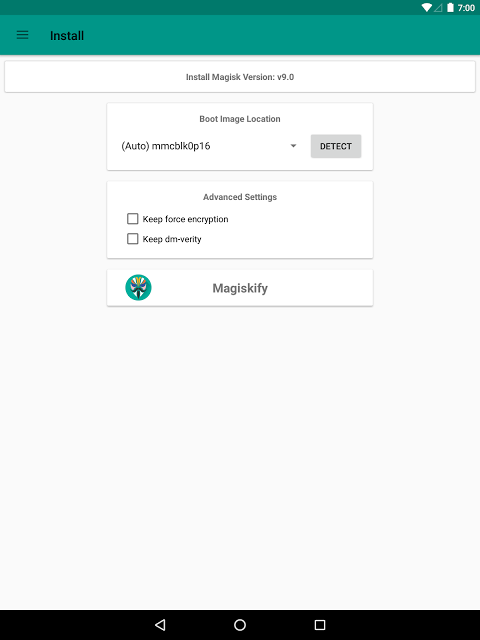
Managing root access on a device requires specialized software, and Magisk Manager functions as the companion app used to configure and control the systemless interface provided by topjohnwu’s rooting solution. The primary task users can accomplish with the app is granting or denying superuser permissions to individual applications that request elevated privileges. Because the underlying system modifies the device environment without altering the core system partition, this app serves as the centralized control panel for toggling root access, managing installed modules, and maintaining system integrity checks without permanently changing original system files.
The app provides a direct interface for handling elevated privilege requests across all installed software. When an application requests root access, a prompt allows the user to grant or deny permissions temporarily or permanently. Within the management menu, users can review a complete list of applications that have previously been granted superuser status, allowing them to revoke access or adjust specific permission settings at any time to maintain control over system-level operations.
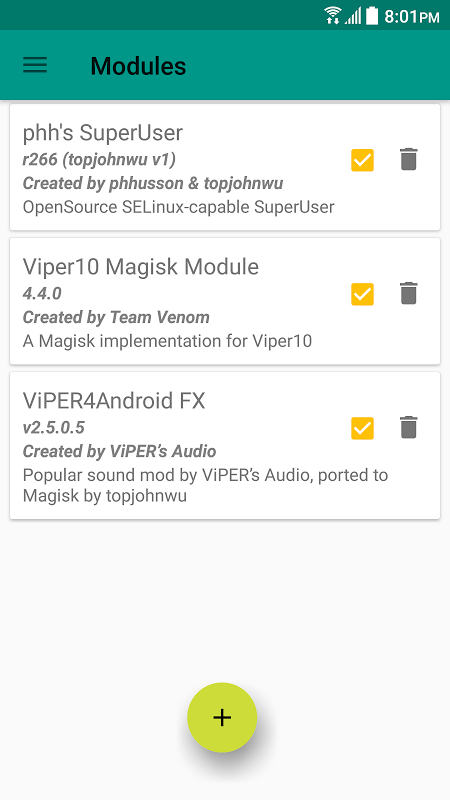
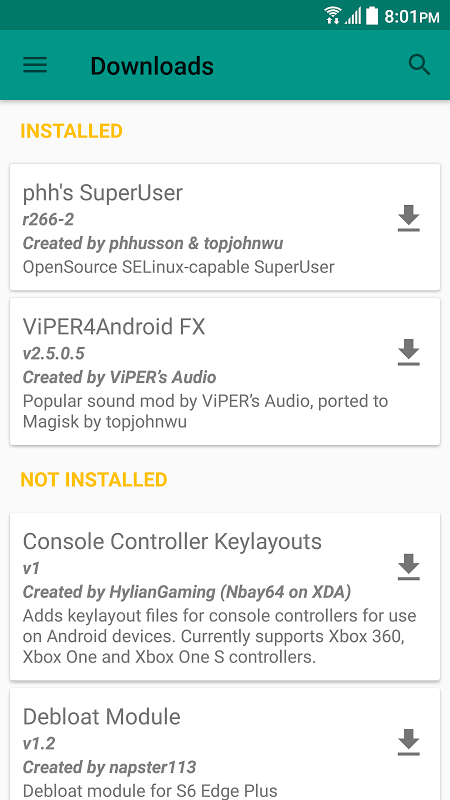
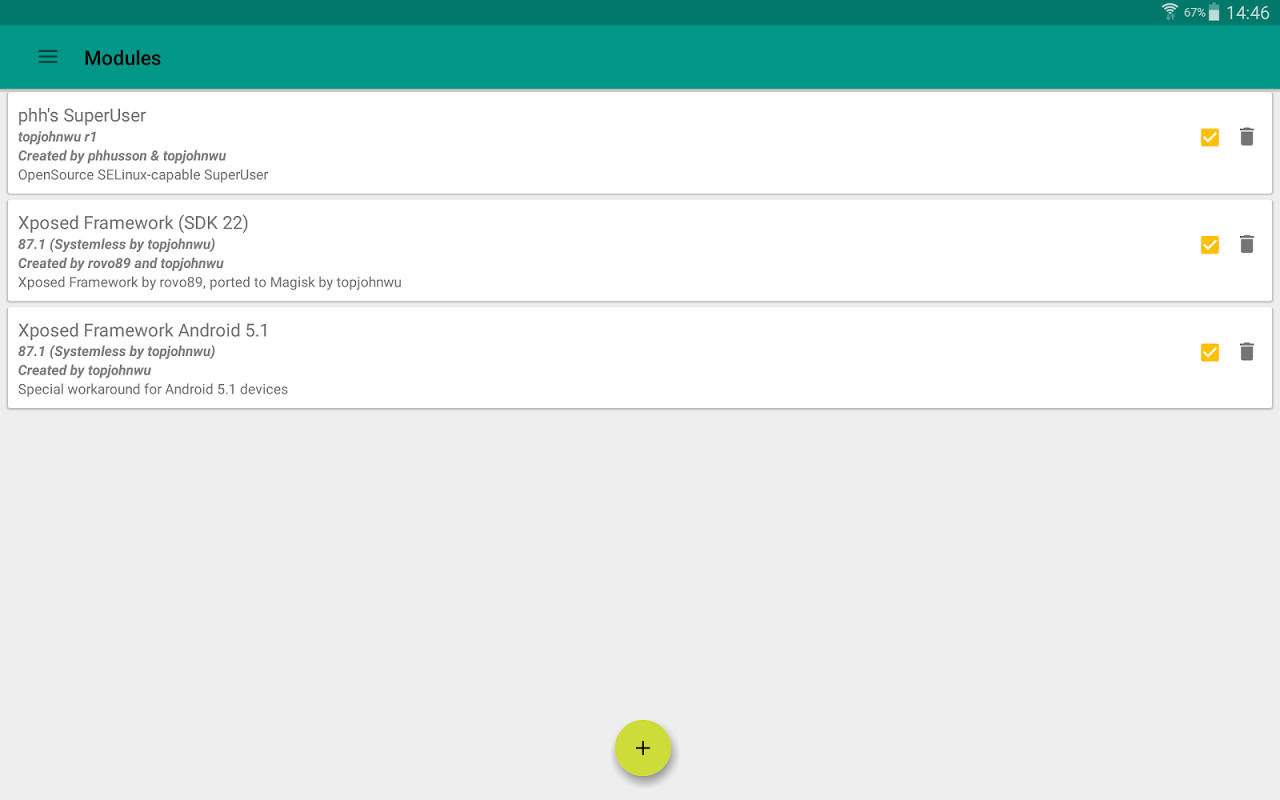
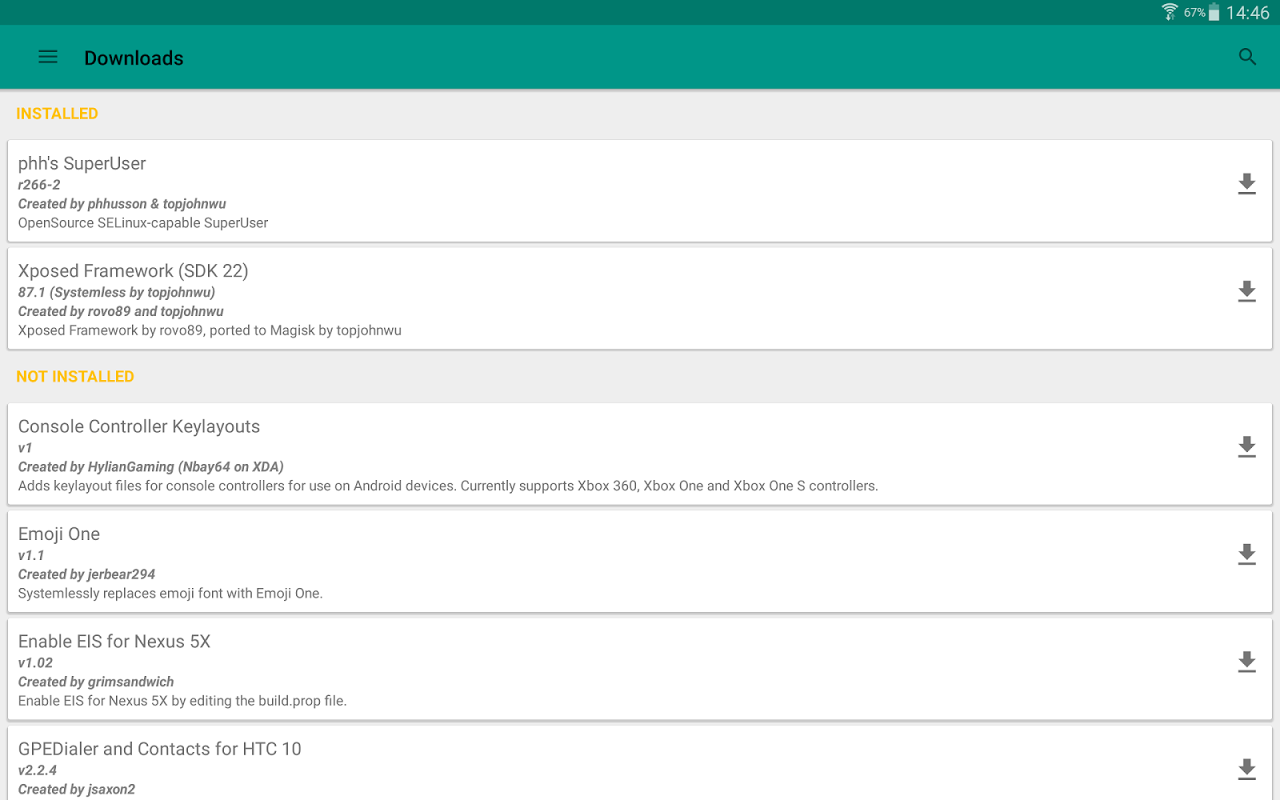
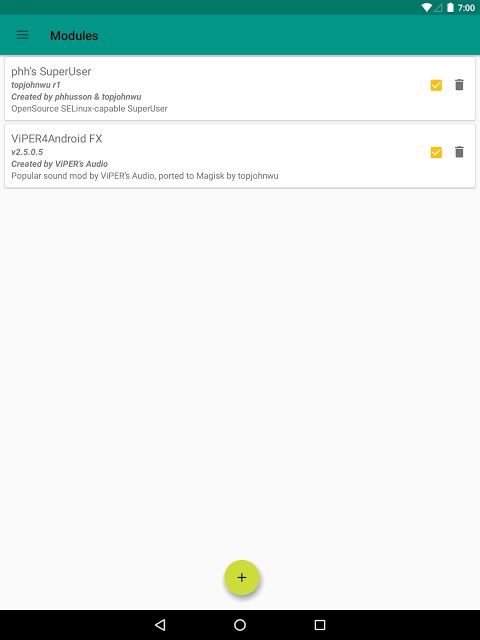
Users can extend or modify system functionality through the app’s dedicated module interface. Modules operate systemlessly, meaning they apply modifications during the boot process without directly overwriting system files. The app allows users to select, install, update, and remove these modules from a unified menu, providing a structured way to apply framework tweaks, system-level enhancements, or custom configurations while keeping the original system partition untouched.
Your comment was submitted and is awaiting moderation.
Your comment was published.