App Screenshots
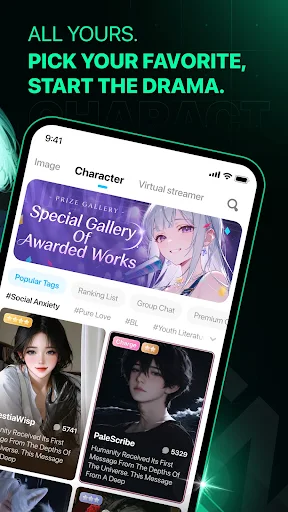
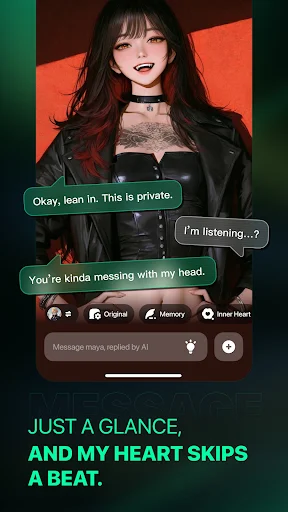
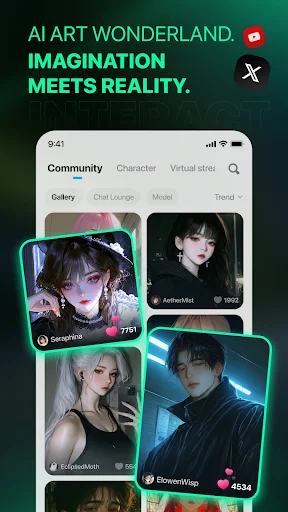
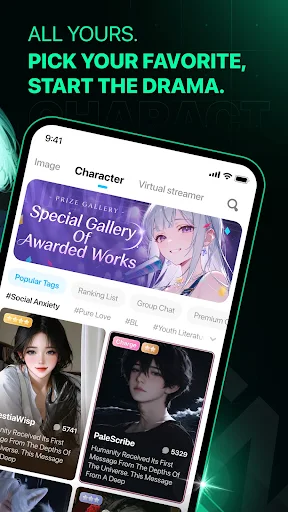
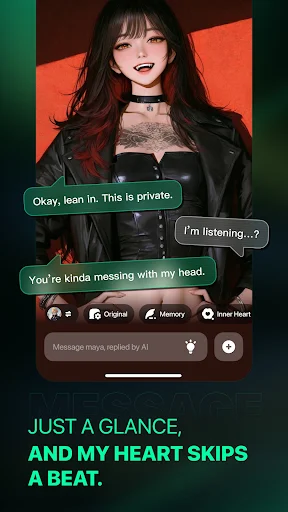
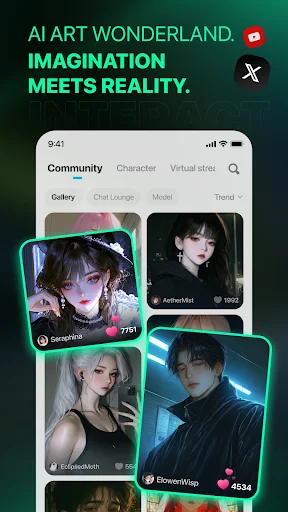
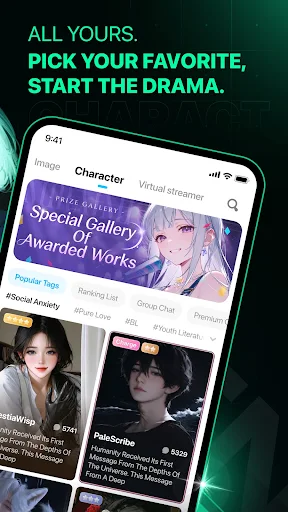
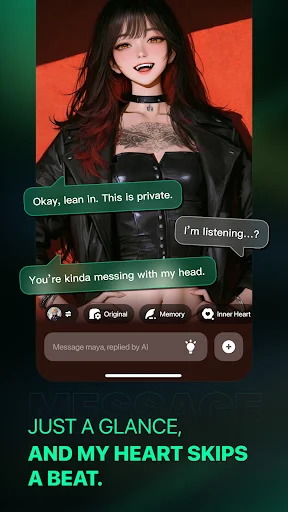
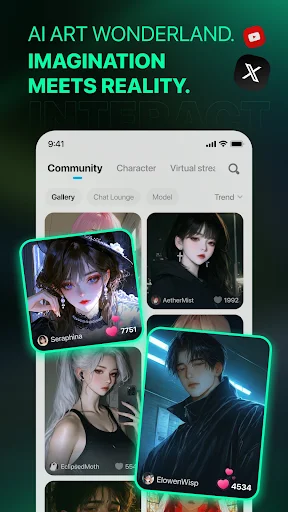

AI character creation and group chat.
Fix known issues and improve APP performance. Please keep updating for the best experience.
MiraiMind – Create Your Own AI is an app designed for deep narrative roleplay and multi-character world-building. It allows users to design custom AI roles with specific names, appearances, voice styles, and personality traits. Instead of limiting interactions to single threads, the app enables multi-character group chats where up to five AI roles can converse simultaneously within a shared universe context. Built-in AI image generation also creates character portraits and scene backgrounds directly from text keywords, providing visual support for custom storylines.
World-building acts as the foundation of the app, giving users a way to construct custom settings that dictate how characters behave and interact. By defining a world’s name, tone, and background summary, every linked AI role gains a shared context for conversations. This ensures that characters retain consistent knowledge and tone whether engaged in one-on-one chats or participating in group scenes. Keeping background details concise helps the underlying system produce focused responses while leaving space to introduce new lore as a story develops.
The multi-character chat feature brings up to five AI roles into a single active room, allowing them to exchange viewpoints in real time. This setup supports complex group interactions, such as team briefings, casual gatherings, or collaborative story scenes. All active threads remain accessible from a dedicated Chat page. When a scene requires more than five participants, storytellers can handle larger casts by rotating characters in and out of the room or creating parallel chat threads to keep different branches of the narrative moving forward.
Through the character workshop, users can build original roles or tweak existing ones. The tool supports configuring a character’s name, visual appearance, voice profile, and behavioral traits. Providing clear manner-of-speaking instructions—such as specifying a gentle, thoughtful, or playful tone—helps shape natural dialogue. If an AI role begins to drift from its intended persona over time, its traits can be edited directly within the workshop to restore consistent speech patterns without needing to rebuild the character from scratch.
To complement text conversations, integrated AI drawing tools generate character portraits and location backgrounds directly within the workflow. Inputting descriptive keyword prompts, such as specific lighting or clothing details, produces visual assets that match the ongoing story. Additionally, users who prefer immediate interaction can use the built-in community plaza to discover pre-made roles and launch new chat sessions with a single tap.
Your comment was submitted and is awaiting moderation.
Your comment was published.