App Screenshots

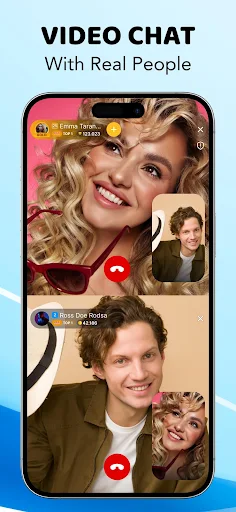
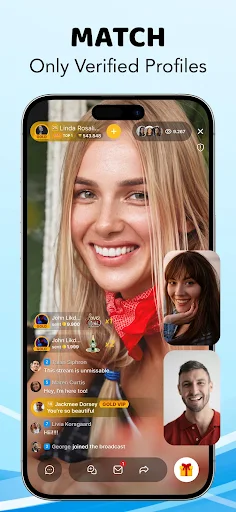
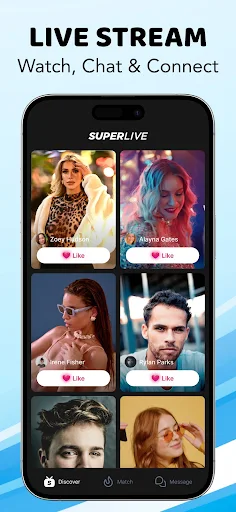
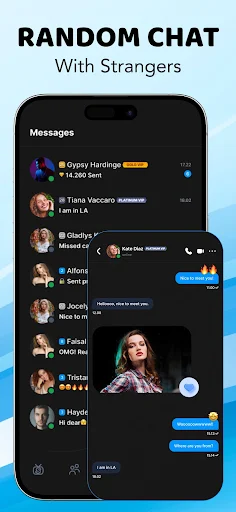
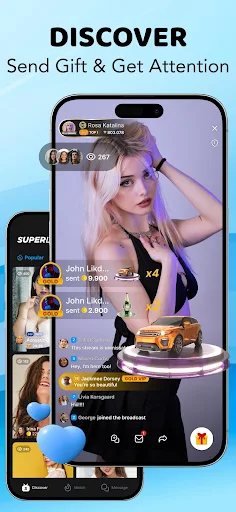

Live video streaming and social chat platform
SuperLive- Live Stream & Chat is a social platform that enables content creators and viewers to interact in real time through public broadcasts and direct communication. Users can launch their own live video streams, participate in random video matching to meet new people instantly, or transition to private 1v1 video conversations. The app incorporates interactive elements such as real-time text chat, virtual gift exchanges, and competitive streamer battles, supported by moderation features and region-specific discovery options.
Broadcasting starts directly from the main interface with a single tap on the Stream button. Once a session begins, an integrated chat panel displays incoming text messages and reactions from audience members in real time. Viewers can support creators during broadcasts by sending virtual gifts. To help maintain smooth performance and viewer retention during a broadcast, creators can assign brief descriptive titles to their stream sessions and maintain a stable network connection.
For direct social connections, the platform offers a random video chat feature accessible from the main navigation menu, allowing users to meet random members of the global community and skip to the next match at any time. For longer or more focused conversations away from public live rooms, users can launch private 1v1 video chats. These direct channels use local device camera and microphone permissions for continuous real-time video and audio feeds, which can be ended at any point by closing the active chat window.
Users can navigate public streams using the Popular and Discover tabs to find specific creators or content categories. To refine results by language or geographic location, the interface includes country filters. Account profiles feature verified badges to help viewers confirm authentic users, while built-in reporting options and 24/7 background moderation work to filter content across public rooms. Additionally, viewers can follow individual profiles to populate a personalized activity feed and view scheduled upcoming broadcasts.
To increase viewer engagement during live broadcasts, streamers can enter PK battles, which pair two creators in a live split-screen competition. During these head-to-head sessions, audience interactions and virtual gifts contribute directly to each host’s real-time score. The outcome of these competitive streams affects creator placements on public leaderboards, providing a structured mechanism for broadcasters to grow their audience reach and increase virtual earnings.
Your comment was submitted and is awaiting moderation.
Your comment was published.