App Screenshots
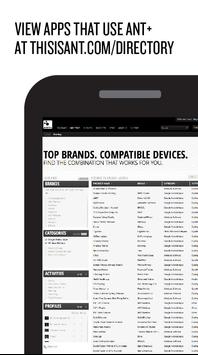

Wireless connectivity for fitness sensors and equipment
— Updates for Android 13 support
— Fixes crash when using ANT+ CTF Power Meters
— Apps may require an update to Android ANT Lib 4.16 on devices running Android 11 or higher
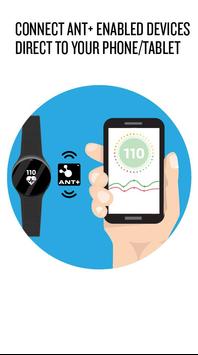
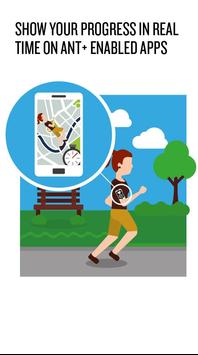
Connecting wireless fitness equipment and sensors to mobile workout software requires a background system to translate the signal. ANT Radio Service acts as a built-in wireless interface—similar in function to Bluetooth, but operating at very low power—that allows fitness applications to communicate directly with compatible hardware. Pre-installed by many hardware manufacturers, this background service lets you stream real-time data from heart rate monitors, bike speed and cadence sensors, running footpods, and power meters straight into your preferred training apps without requiring separate hardware adapters.
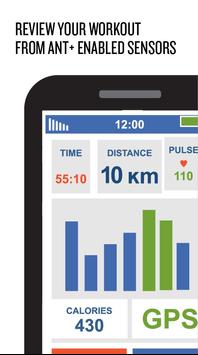
The service handles low-energy wireless transmissions across several categories of training gear. When paired with compatible mobile software, it can capture live heart rate metrics from chest straps and wearables. For cycling, it processes speed, distance, and cadence data, alongside high-precision input from power meters such as Garmin Vector. Runners can rely on it to receive pace and distance metrics from stride-based footpods, while cyclists can use it to hook up smart trainers and indoor fitness equipment directly to interactive workout platforms.
Because it functions as standard system software included by phone manufacturers, the service does not cause pop-up advertisements, system malfunctions, or collect personal data. It occupies very little storage on your phone, typically capping its footprint at around 20 MB. While it cannot be permanently uninstalled from the operating system, you can disable it through your device’s application manager by using the force stop and disable options. If you perform a factory reset or install a major system update, the operating system may automatically re-enable the background process, which can then be manually disabled again if you do not plan to connect to ANT+ accessories.
Your comment was submitted and is awaiting moderation.
Your comment was published.