App Screenshots
Mobile document and image scanning tool
- Added a camera level to help align your device when scanning.
- Added a Highlighter tool in Markup.
- Improved PDF import and document rendering.
- Faster, easier document scrolling.
- UI, performance, and stability improvements.
We'll continue adding new features to make ClearScanner even better.
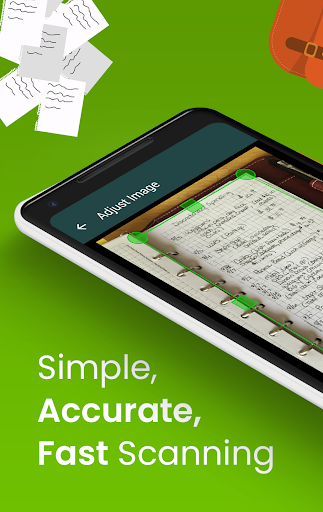
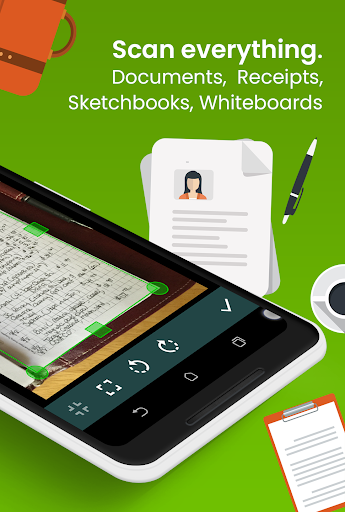
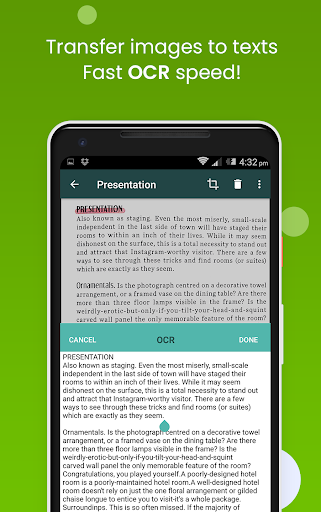
Clear Scan – PDF Scanner App turns your smartphone into a portable document scanner that captures high-quality digital copies of paper files, receipts, notes, and photos using your built-in camera. The app automatically detects document edges, corrects perspective distortions, and applies image enhancements to produce clear, readable files. It allows you to digitize documents quickly and export them as either PDF or JPEG files, making it a functional tool for managing physical paperwork on the go.
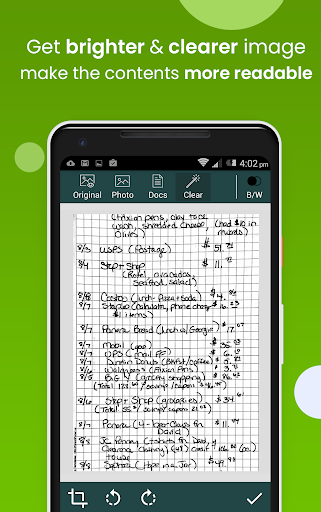
When capturing a document, the app identifies the corners of the target paper to crop out unnecessary background space automatically. Users can also manually adjust the crop boundaries to select specific sections of a page. To keep scanned text and images readable, the app includes built-in auto-correction tools that adjust brightness, reduce shadows, and straighten tilted images. It offers multiple processing filters tailored to different types of content, including photo, document, clear, color, and black-and-white modes.
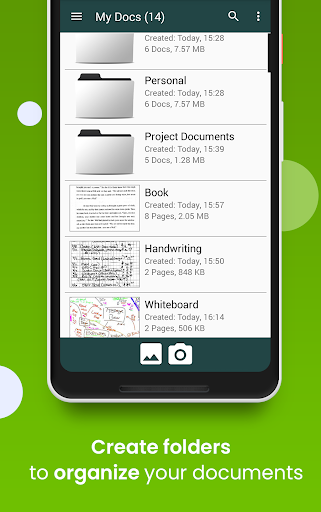
Clear Scan – PDF Scanner App provides file management tools to keep scanned records organized directly on your device. Scanned pages can be arranged into custom folders and subfolders, renamed for easier searching, or reordered within a single file set. If changes are needed after saving, the app supports post-save editing, allowing you to re-apply filters or modify document details at a later time. You can also append new scans to existing files or delete unnecessary pages from a document.
Once a scan is processed, you can choose to convert the document into either a PDF or JPEG format. The app supports direct sharing, enabling users to send individual documents or entire folders quickly via email. It also integrates with external cloud storage platforms and productivity services, allowing you to upload files straight to Google Drive, Dropbox, OneDrive, Evernote, and SkyDrive, or send documents directly to a printer using Cloud Print.
Your comment was submitted and is awaiting moderation.
Your comment was published.